Save the status, body and screenshot from the same request. Then check whether the resource disappeared or its content stopped arriving.
Reproduce one specific URL
Copy the exact address from the report and open it without a prior session. In the network panel, save the main response status. Read the received HTML and the document after scripts run. Look for the product name, description and terms as well as the error message.
Follow the discontinued chair
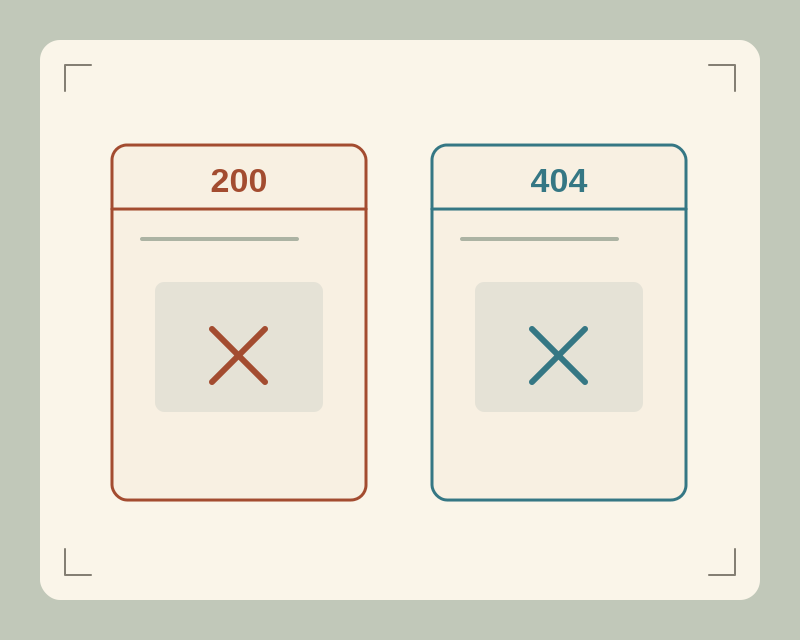
The catalog confirms that the chair no longer has a page or an equivalent replacement. At that URL, the team prepares a 404 response with navigation and a brief explanation for visitors. If the content moved to an equivalent page, review a permanent redirect to that page.
Check the product that still exists
In the second case, the product record and current content exist. The response shows the message because a data service failed to respond. Investigate the failed request, permissions and resources needed to load the body. Restoring that content lets you evaluate the complete page again.
Compare with Google's report
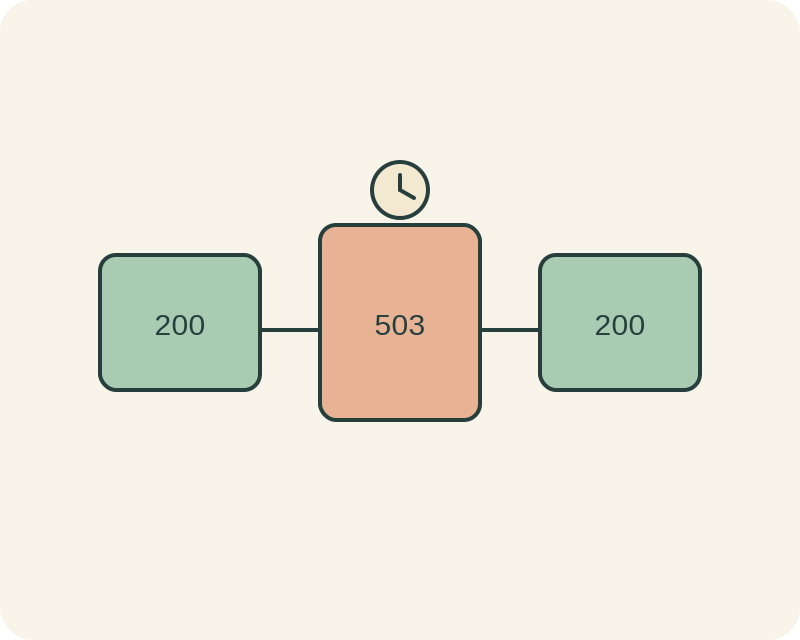
Google uses soft 404 for a page that communicates absence or lacks main content while returning success. A report row describes what its systems detected. In URL Inspection, compare the content and resources Google obtained with your test and keep the dates of both observations.
Finish by checking the same case again
After the fix, request the URL again. For the removed chair, check the 404 and helpful links. For the current product page, check its title and details alongside the 200 status. Record the report's review later when it is processed again.
Follow the evidence.
- Google Search Central · Troubleshoot crawling errors ↗
- Google · HTTP status codes and network errors ↗
Sources checked November 18, 2026. The exercise scenarios and figures are fictional. Our editorial standards.