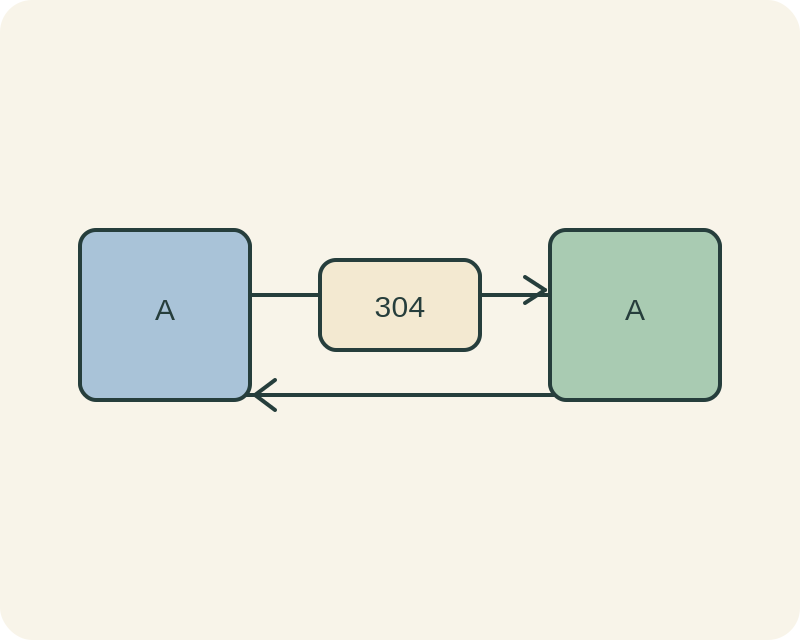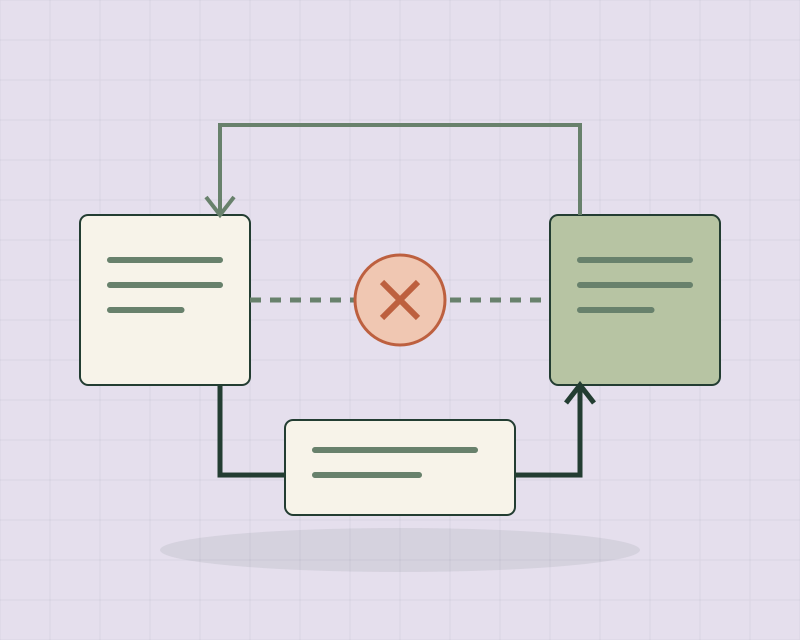
Record status and headers for each affected route and confirm recovery using the actual content. Name the owner who will remove the temporary response and the evidence they will inspect.
Map the scope of downtime
Start with routes that really stop handling requests. A catalog may stay open while booking is updated. List one affected URL, one healthy URL and one that represents crawl rules. Write the expected response and reviewer for each.
RFC 9110 describes 503 as a temporary inability to handle a request, for example during planned maintenance or overload. Keep operational context beside the code. That context helps investigate where the interruption comes from and when the check can close.
Write a notice people can use while waiting
Include the affected function, an agreed update time if available and a contact channel you can keep available. Consider how the notice will read if the rest of the application is busy. Google’s guidance suggests a lightweight informational body for a brief site pause.
In a fictional exercise for the Olmo catalog, the booking page says the function is undergoing maintenance. The HTML describes the situation. The HTTP status provides a separate check that the response communicates unavailability.
Read the wait from the response
On a 503 response, Retry-After gives an estimated wait. RFC 9110 allows an HTTP date or an integer number of seconds after receipt. An original example is Retry-After: 180, asking the client to wait three minutes.
Keep that value as an estimate. Confirm recovery with a fresh request and inspect the returned status and content. If timing changes, update the information people see as well.
Compare three routes in the same exercise
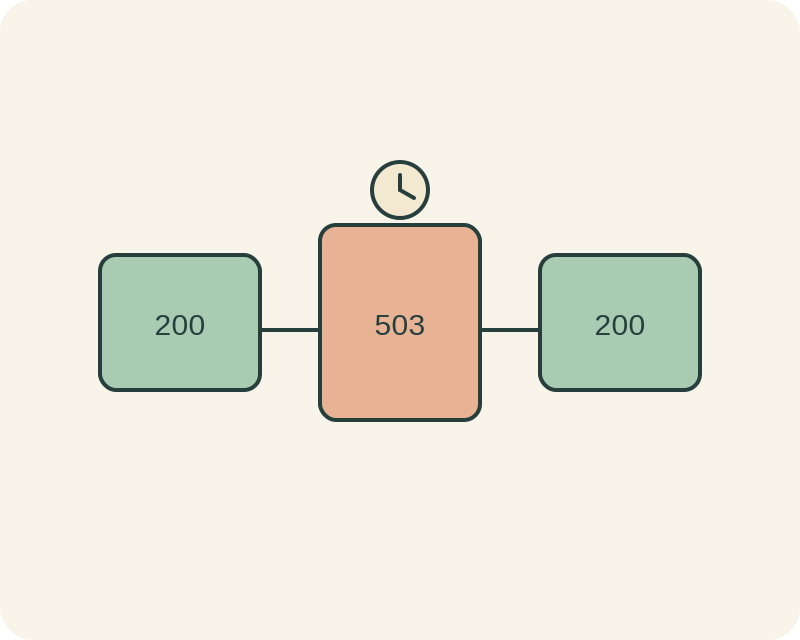
This table describes a proposed test in a controlled environment. Each row represents a request to the stated URL while maintenance is active.
| Route | Response | What to inspect |
|---|---|---|
| /reservas/ | 503 | Notice and estimated wait |
| /catalogo/ | 200 | Usual catalog |
| /robots.txt | 200 | Expected crawl rules |
Request the page from outside the process that serves it. You can discover whether a proxy returns a different code or whether the notice depends on a resource that went down with the application.
Verify recovery at the same URL
Once downtime ends, check that booking returns its expected page and the next step works in the authorized environment. Inspect the body as well as the 200. If an intermediary retains the notice, record what the client received and review the applicable cache policy.
Record start, finish and observed requests. Google explains that its systems cannot refresh page content during a 503 response. The recovery record describes availability observed in your requests.
Keep a record for the next maintenance window
Keep scope, owner, notice, expected code, wait estimate, control URLs and recovery checks. Add the point at which the owner should reconsider timing. A brief exercise with these records lets someone reconstruct what happened from more than a screenshot.
The related continuity guide helps maintain business tasks during an outage. Here the result is a record of verified HTTP responses for routes involved in the pause.
Follow the evidence.
Sources checked November 3, 2026. Illustrative scenarios and numbers are fictional. Original exercises and records, without attributed customer results or field observations. Our editorial standards.