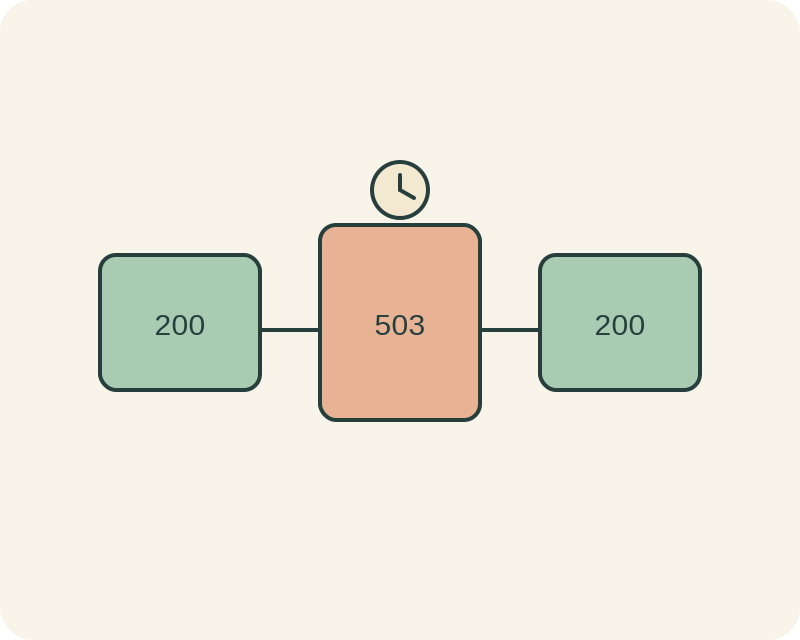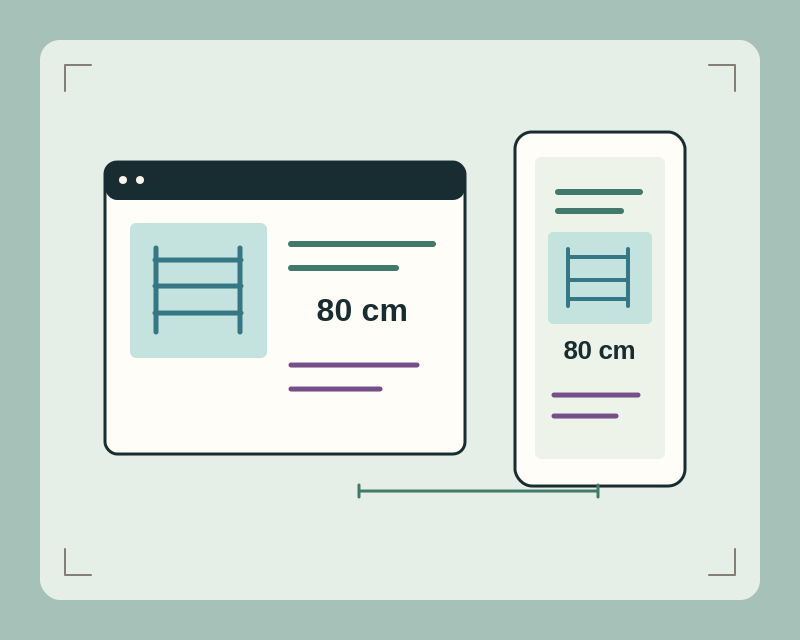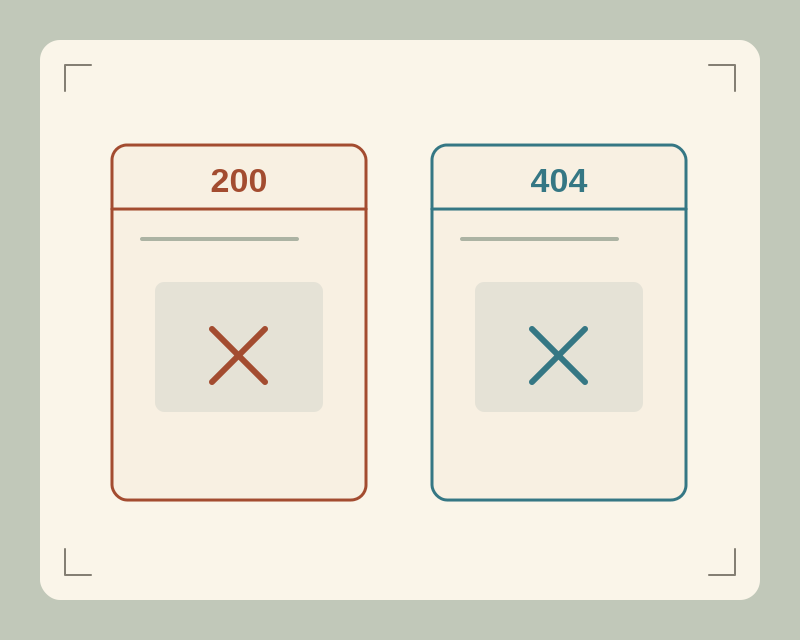
Guarda estado, cuerpo y captura de la misma solicitud. Después comprueba si el recurso desapareció o si su contenido dejó de llegar.
Reproduce una URL concreta
Copia la dirección exacta del informe y ábrela sin una sesión previa. En la pestaña de red conserva el estado de la respuesta principal. Lee el HTML recibido y el documento después de ejecutarse los scripts. Busca nombre, descripción y condiciones del producto, además del mensaje de error.
Sigue el caso de la silla retirada
El catálogo confirma que la silla ya no tiene ficha ni sustituto equivalente. En esa URL, el equipo prepara una respuesta 404 con navegación y una explicación breve para el visitante. Si el contenido se trasladó a una ficha equivalente, revisa una redirección permanente a esa ficha.
Comprueba el producto que sigue existiendo
En el segundo caso, el registro del producto y su contenido vigente sí existen. La respuesta llega con el aviso porque un servicio de datos no respondió. Investiga la petición fallida, permisos y recursos necesarios para cargar el cuerpo. Restaurar ese contenido permite volver a evaluar la página completa.
Contrasta con el informe de Google
Google llama soft 404 a una página que comunica ausencia o queda sin contenido principal mientras devuelve éxito. Una fila del informe describe lo que sus sistemas detectaron. En Inspección de URLs, compara el contenido y los recursos que Google pudo obtener con tu ensayo y conserva las fechas de ambas observaciones.
Cierra con una comprobación del mismo caso
Tras la corrección, solicita de nuevo la URL. Para la silla eliminada, comprueba el 404 y los enlaces útiles. Para la ficha vigente, comprueba título y datos del producto junto al estado 200. Registra luego la revisión del informe cuando vuelva a procesarse.
Soft 404: when the response says success and the content says something is missing
The address of a discontinued chair opens a page with navigation, search and a “product not found” message. The server returns 200. Another address shows the same message, but its chair is still for sale: the query that should load its data failed. The screens look similar and call for different investigations.
Save the status, body and screenshot from the same request. Then check whether the resource disappeared or its content stopped arriving.
Reproduce one specific URL
Copy the exact address from the report and open it without a prior session. In the network panel, save the main response status. Read the received HTML and the document after scripts run. Look for the product name, description and terms as well as the error message.
Follow the discontinued chair
The catalog confirms that the chair no longer has a page or an equivalent replacement. At that URL, the team prepares a 404 response with navigation and a brief explanation for visitors. If the content moved to an equivalent page, review a permanent redirect to that page.
Check the product that still exists
In the second case, the product record and current content exist. The response shows the message because a data service failed to respond. Investigate the failed request, permissions and resources needed to load the body. Restoring that content lets you evaluate the complete page again.
Compare with Google's report
Google uses soft 404 for a page that communicates absence or lacks main content while returning success. A report row describes what its systems detected. In URL Inspection, compare the content and resources Google obtained with your test and keep the dates of both observations.
Finish by checking the same case again
After the fix, request the URL again. For the removed chair, check the 404 and helpful links. For the current product page, check its title and details alongside the 200 status. Record the report's review later when it is processed again.
Soft 404:响应表示成功,内容却说找不到
一把已停售椅子的地址打开后,显示导航、搜索框和“未找到商品”,服务器却返回 200。另一个地址显示同样的信息,但那把椅子仍在销售,只是加载商品数据的查询失败了。两张画面相似,需要调查的原因却不同。
保存同一次请求的状态、正文和截图,再查资源是否消失,还是内容未能送达。
重现一个具体 URL
复制报告中的完整地址,用没有历史会话的浏览器打开。在网络面板保存主文档的响应状态。阅读收到的 HTML,再看脚本执行后的文档。除了错误提示,还要寻找商品名称、描述和条件。
跟进已经下架的椅子
目录确认该椅子已无页面,也没有等效替代页。团队为这个 URL 准备带导航和简短说明的 404 响应。如果内容迁移到了等效页面,则检查指向新页的永久重定向。
检查仍然存在的商品
第二种情形中,商品记录及有效内容都存在。页面出现提示,是因为数据服务没有响应。调查失败请求、权限和正文所需资源。恢复内容后,再评估完整页面。
对照 Google 的报告
Google 用 soft 404 描述返回成功状态、内容却表示缺失或缺少主内容的页面。报告中的一行说明其系统检测到了什么。在 URL 检查工具里,把 Google 获取到的内容和资源与自己的测试对照,并保留两次观察的日期。
用同一案例复查修正
修正后再次请求原 URL。已移除的椅子应检查 404 和辅助链接;仍有效的商品页则检查标题、商品信息和 200 状态。等报告重新处理后,再记录其复核结果。
Fuentes y método
- Google Search Central · Troubleshoot crawling errors ↗
- Google · HTTP status codes and network errors ↗
Fuentes consultadas el 18 de noviembre de 2026. Los casos y datos numéricos de los ejercicios son ficticios. Editorial standards · Disclosures.