Choose one task, explain prerequisites and check each action with its result. Published instructions need review when the interface they describe changes.
Name a concrete action in the title
“Export reservations for a period” identifies a task. “Everything about reservations” combines many questions and makes the reader search inside. Define the audience and endpoint before adding screenshots of every screen.
Microsoft recommends headings that explain what instructions help customers do, and numbered lists for multi-step procedures. Use those references to guide form while the customer’s task determines what to include.
Explain the starting point and prerequisites
Our fictional reservation system requires an account authorized to export and a known period to inspect. State the starting place: the example’s reservation view. Do not make someone explore every option only to discover a missing permission later.
Separate a prerequisite from an action. Having permission is a precondition; selecting a period belongs to the procedure. The following labels belong only to the example and need replacement with verified labels before use with a real product.
Connect action and result in a small journey
Assume the fictional system filters a list and downloads a CSV. We claim neither an application test nor access to a customer account.
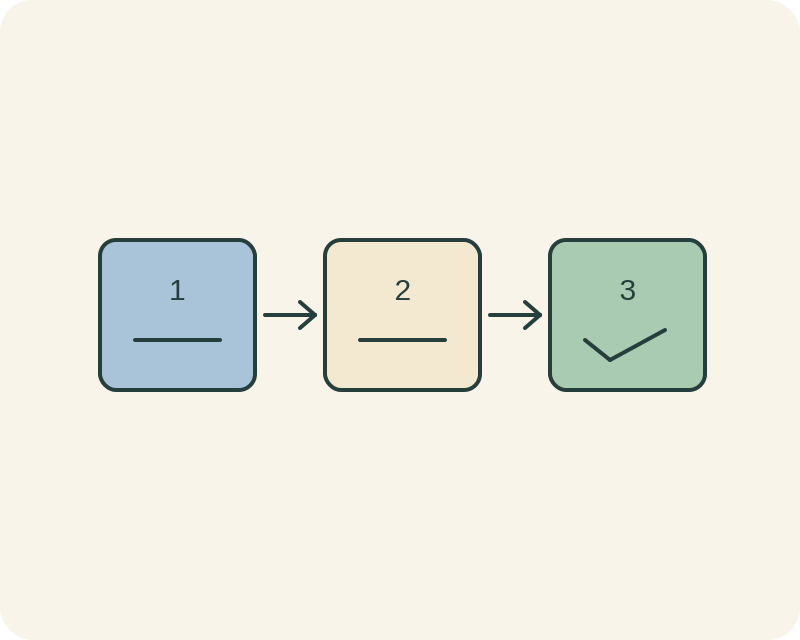
| Step | Action | Recognizable result |
|---|---|---|
| 1 | Open Reservations | The list and date filter |
| 2 | Choose the period and apply the filter | The active period and filtered list |
| 3 | Select Export CSV | The downloaded file |
Google recommends placing the action before its result when both help the reader continue. The purpose is not to explain every system function, but to provide an observable reference where someone might hesitate.
Explain how to recognize completion
Completion here means locating and opening the file, then checking its columns and period against the request. A request-received message would not be equivalent if export were prepared later; that behavior would need different instructions.
Do not promise that every file contains reservations. A period without records can produce an empty result. Define the expected empty state and the discrepancy needing investigation using the product’s real behavior.
Address the particular obstacle
If Export is missing, check the view and relevant permission. If the file does not represent the intended period, review the active filter. Do not suggest indefinitely repeating the same action or changing data just to make the example work.
Identify the real help channel and useful context: task, step, observed message and interface version. Request only necessary information; screenshots should not expose other customers’ data.
Review with someone and retain the version
Propose that another person complete the task without extra explanation. Observe where they stop and what they expected. This is a proposed trial, not completed research or a promise to reduce support contacts.
Record product, reviewed version, date and owner. A sales demonstration presents a task to evaluate an offer; this guide supports independent execution afterward. Both need clear examples but serve different decisions.
Follow the evidence.
Sources checked November 2, 2026. Illustrative scenarios and numbers are fictional. Original exercises and records, without attributed customer results or field observations. Our editorial standards.