Define una pregunta y una tarea observable. Prepara inicio, recorrido y resultado, indicando qué es real, simulado o todavía pendiente de comprobar.
Elige la duda que vas a resolver
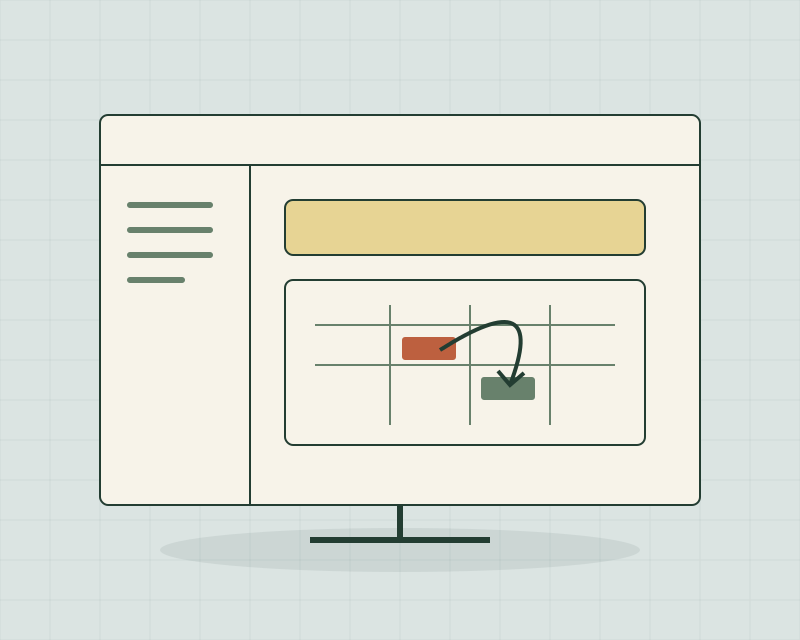
Supón que una persona evalúa una herramienta ficticia de reservas para clases. Su pregunta es cómo cambiar una reserva existente a otro horario disponible. Mostrar colores del calendario y estadísticas generales no responde por sí solo esa duda.
Salesforce Trailhead propone empezar una demo con una pregunta y enfocar su conclusión. Nuestro guion aplica esa orientación a una tarea acotada; no describe funciones comprobadas de Salesforce ni de otro producto real. La conversación de diagnóstico puede ayudar antes a identificar esa necesidad.
Prepara el estado inicial y sus límites
Escribe qué debe existir: una reserva de prueba, un horario alternativo y permisos para editar. Utiliza datos ficticios en un entorno autorizado. Comprueba el recorrido antes de presentarlo y evita que una prueba envíe avisos reales por accidente.
Identifica qué estás mostrando. Una maqueta permite recorrer una interfaz propuesta; una grabación conserva un recorrido anterior; una demostración en vivo permite observar ese entorno en ese momento. No intercambies esas condiciones sin avisar a la audiencia.
Construye un recorrido que se pueda seguir
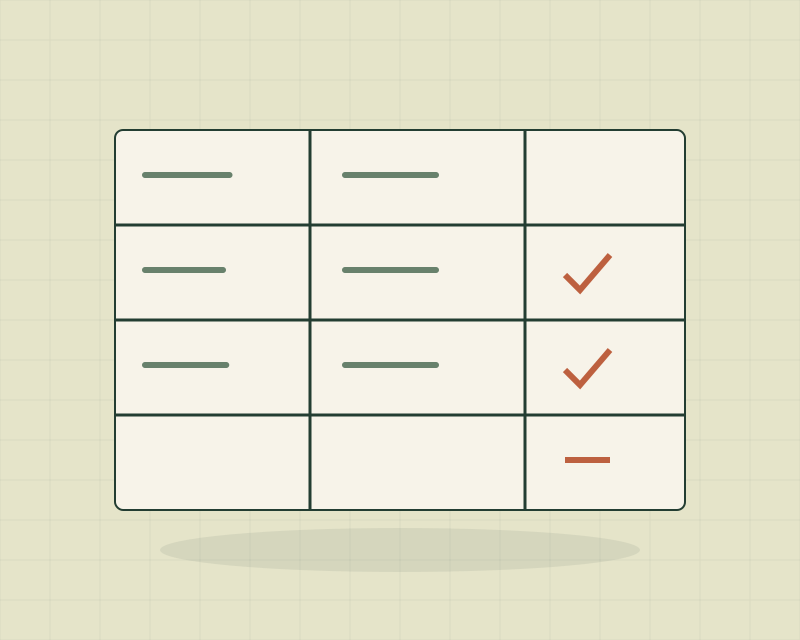
| Momento | Acción visible | Pregunta para la audiencia |
|---|---|---|
| Inicio | Abrir la reserva de prueba | ¿Este es el tipo de cambio que necesitas? |
| Cambio | Elegir un horario disponible | ¿Qué condición impediría mover la reserva? |
| Resultado | Revisar fecha y estado guardados | ¿Dónde comprobarías que quedó el horario correcto? |
| Pendiente | Identificar el aviso no probado | ¿Qué falta verificar antes de usarlo con personas reales? |
El guion no afirma que el producto exista. En este ejemplo, ver un estado guardado no demuestra que otra persona haya recibido una notificación. Deja ese paso pendiente si no se prueba.
Da espacio para mirar y preguntar
Nombra la situación inicial, realiza una acción y detente en su efecto. Mantén visibles los datos que permiten comparar antes y después. Si la persona pregunta por una excepción, anótala y distingue si puedes mostrarla ahora o necesitas prepararla.
No rellenes una pausa con funciones ajenas a la pregunta. Si el recorrido falla, describe lo observado y conserva el punto pendiente. Una grabación de respaldo puede ayudar a explicar el flujo previsto si identificas que no muestra la ejecución actual.
Cierra con lo observado y una decisión concreta
Pide que la persona explique cómo resolvería su caso y qué sigue sin entender. Un siguiente paso podría ser probar una excepción en otro entorno autorizado o revisar quién tiene permiso para cambiar reservas. “Le gustó la presentación” no sustituye esa comprobación.
La matriz de requisitos ayuda a vincular peticiones con una oferta escrita. La comparación de paquetes explica alcances. La demo aporta una observación del recorrido, sin demostrar implementación completa, adopción ni resultados del cliente.
Guarda un registro que pueda revisarse
- Pregunta, audiencia y versión o entorno mostrado.
- Datos ficticios y condiciones iniciales del recorrido.
- Pasos completados y evidencia que realmente se observó.
- Simulaciones, excepciones y verificaciones pendientes.
- Próxima decisión, responsable y forma de confirmarla.
Si cambia la versión, vuelve a comprobar los pasos antes de reutilizar el guion. Una demostración preparada alrededor de una tarea permite conversar sobre su utilidad sin convertir cada pantalla en una promesa contractual.
Build a Sales Demo Around One Buyer Task
Touring every menu can reveal many features without helping anyone decide. A useful demo follows a relevant task and makes clear what has actually been checked by the end.
Define one question and an observable task. Prepare starting state, sequence and result, identifying what is real, simulated or still awaiting verification.
Choose the uncertainty to resolve
Suppose someone is evaluating a fictional class booking tool. Their question is how to move an existing reservation to another available time. Calendar colors and general statistics do not by themselves answer that question.
Salesforce Trailhead suggests beginning a demo with a question and focusing its takeaway. Our outline applies that guidance to a bounded task; it describes no verified Salesforce or other real product features. A discovery conversation can first help identify the need.
Prepare the starting state and its limits
Write what must exist: a test booking, an alternative slot and editing permissions. Use fictional data in an authorized environment. Check the sequence before presenting it and prevent a trial from accidentally sending real notifications.
Identify what is being shown. A mockup explores a proposed interface; a recording preserves an earlier sequence; a live demo exposes that environment at that moment. Do not switch among those conditions without telling the audience.
Create a sequence people can follow
| Moment | Visible action | Audience question |
|---|---|---|
| Start | Open the test booking | Is this the kind of change you need? |
| Change | Choose an available slot | What condition would prevent moving it? |
| Result | Review the saved date and status | Where would you verify the correct time was retained? |
| Open check | Identify the untested notification | What needs checking before use with real people? |
The outline does not claim the product exists. In this example, seeing a saved status does not establish that someone else received a notification. Leave that step open if it is untested.
Allow time to look and ask
Name the starting situation, perform an action and pause at its effect. Keep the data needed for a before-and-after comparison visible. If someone asks about an exception, record it and distinguish whether you can show it now or need preparation.
Do not fill a pause with unrelated features. If the sequence fails, describe the observation and retain the unresolved step. An identified backup recording can explain the intended flow, provided you state that it does not show the current execution.
Close with observations and a specific decision
Ask the person to explain how they would handle their case and what remains unclear. A next step might test an exception in another authorized environment or review who has editing permission. “They liked the presentation” does not replace that check.
Our requirements matrix connects requests to a written offer. The package comparison explains scope. A demo contributes a sequence observation; it establishes neither full implementation, adoption nor customer outcomes.
Keep a reviewable record
- Question, audience and version or environment shown.
- Fictional data and initial conditions.
- Completed steps and evidence actually observed.
- Simulations, exceptions and outstanding checks.
- Next decision, owner and confirmation method.
When the version changes, recheck steps before reusing the outline. A task-centered demonstration supports a conversation about usefulness without turning every screen into a contractual promise.
围绕客户的一项任务设计销售演示
走遍所有菜单可能展示很多功能,却没有帮助对方决定。有用的演示让人跟随一项相关任务,并明确结束时到底核实了什么。
确定一个问题和一项可观察任务,准备初始状态、操作与结果,说明哪些真实、哪些模拟、哪些仍待核实。
选择要解决的疑问
假设有人在评估虚构的课程预约工具,想知道如何把已有预约改到另一个可用时段。展示日历配色和总体统计,本身并不能回答这个疑问。
Salesforce Trailhead 建议以问题开启演示并集中结论。本文将这一思路用于有限任务,不描述 Salesforce 或其他真实产品的已核实功能。此前可通过需求沟通识别需要。
准备初始状态及限制
写下必备条件:测试预约、另一个可用时段和编辑权限。在获授权环境中使用虚构数据,展示前检查路径,防止试验意外发出真实通知。
明确展示形式。模型用于查看拟定界面,录像保留此前路径,现场演示呈现当时环境。不要在这些条件间切换却不告知观众。
建立能跟随的路径
| 环节 | 可见操作 | 向观众提出的问题 |
|---|---|---|
| 开始 | 打开测试预约 | 这是你需要的变更类型吗? |
| 变更 | 选择可用时段 | 什么条件会阻止调整? |
| 结果 | 检查保存后的日期和状态 | 在哪里核实保留了正确时间? |
| 待核实 | 指出未测试的通知 | 用于真实人员前还要验证什么? |
提纲不声称产品真实存在。本例中,看到已保存状态,不证明另一人收到通知。未测试的步骤应保留待核实。
留出观察与提问时间
说明初始情况,执行一个操作,在结果处暂停。保留比较前后所需的数据。若对方问到例外,先记录,并区分能否马上展示,还是需要另作准备。
不要用无关功能填补停顿。路径失败时,说明观察到什么,保留未解决事项。备用录像可以解释预期流程,但须明确它不展示当前执行。
用观察和具体决定收尾
请对方复述怎样处理自己的情况,以及还有哪里不明白。下一步可能是在另一获准环境测试例外,或检查谁能修改预约。“喜欢演示”不能替代该项核对。
保存可复核的记录
- 问题、观众及展示版本或环境。
- 虚构数据与初始条件。
- 已完成步骤和实际观察证据。
- 模拟、例外与待核实事项。
- 下一决定、负责人及确认方式。
版本改变后,重用提纲前要重新核对步骤。围绕任务的演示帮助讨论用途,而不把每个界面都变成合同承诺。
Fuentes y método
Fuentes consultadas el 24 de octubre de 2026. Los escenarios y cifras ilustrativos son ficticios. Las fichas y ejercicios son propuestas editoriales originales, sin resultados de clientes ni pruebas de proveedores atribuidos. Editorial standards · Disclosures.