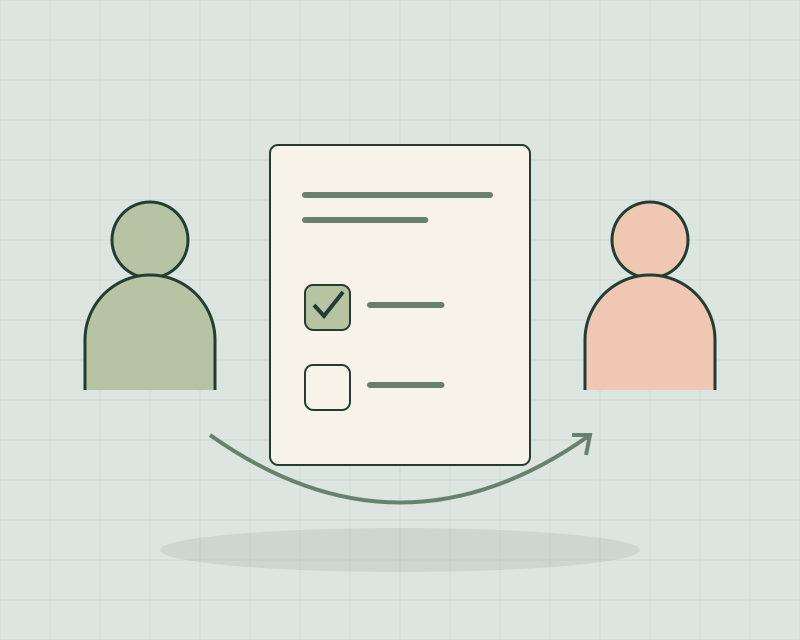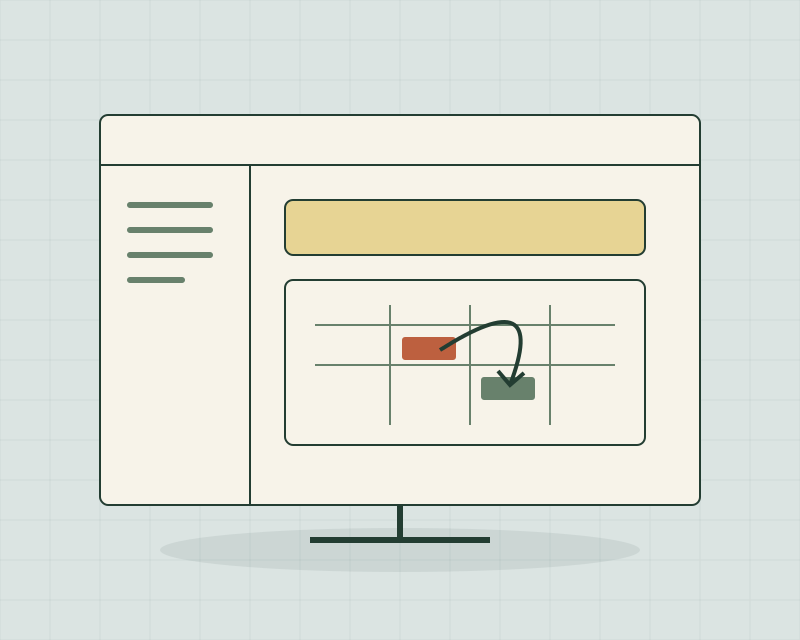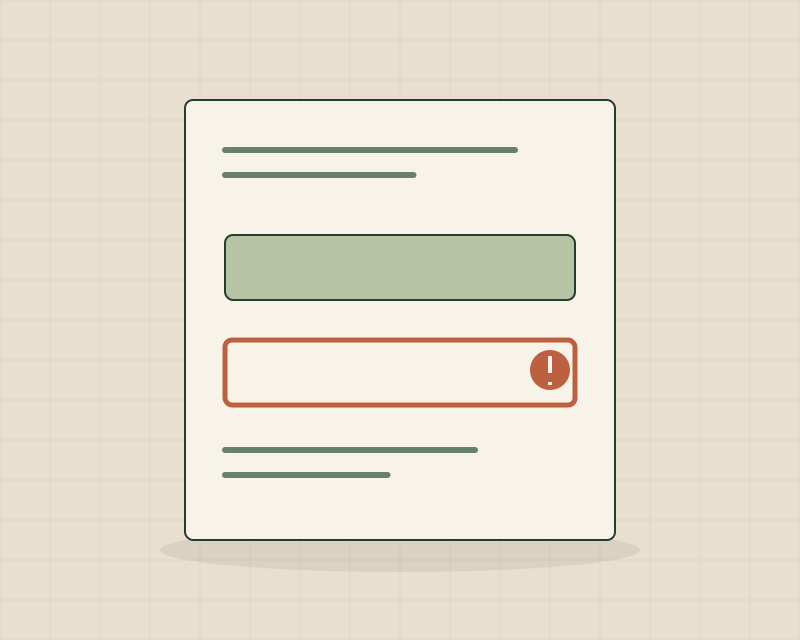
Elige una tarea, explica sus requisitos y comprueba cada paso con su resultado. Una instrucción publicada necesita revisión cuando cambia la interfaz que describe.
Pon una acción concreta en el título
“Exportar la lista de reservas de un periodo” permite reconocer una tarea. “Todo sobre reservas” reúne muchas preguntas y obliga a buscar dentro. Define para quién sirve la instrucción y dónde termina, antes de añadir capturas de cada pantalla.
Microsoft recomienda títulos que expliquen lo que permiten hacer las instrucciones y listas numeradas para procedimientos de varios pasos. Usa esas referencias para orientar la forma, manteniendo la tarea del cliente como criterio de selección.
Explica dónde empezar y qué hace falta
En nuestro sistema ficticio de reservas, la persona necesita una cuenta autorizada para exportar y conocer el periodo que quiere consultar. Indica dónde empieza: la vista de reservas del ejemplo. No le pidas explorar todas las opciones para descubrir después que carece de permiso.
Distingue un requisito de una acción del procedimiento. Tener permiso es una condición previa; elegir el periodo forma parte de la tarea. Los nombres que siguen pertenecen solo al ejemplo y deben reemplazarse por etiquetas verificadas antes de usarlos con un producto real.
Une acción y resultado en un recorrido pequeño
Supuesto del ejercicio: el sistema permite filtrar una lista y descargar un CSV. No afirmamos haber probado una aplicación ni una cuenta de clientes.
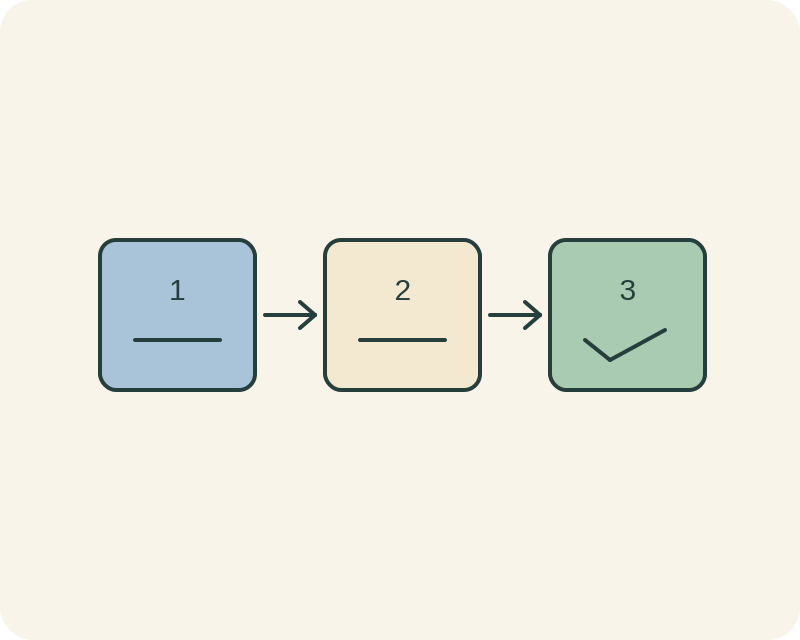
| Paso | Acción | Qué debería poder reconocer |
|---|---|---|
| 1 | Abre Reservas | La lista y el filtro de fechas |
| 2 | Elige el periodo y aplica el filtro | El periodo activo y la lista filtrada |
| 3 | Selecciona Exportar CSV | El archivo descargado |
Google recomienda presentar la acción antes de su resultado cuando ambos ayudan a continuar. El objetivo no es explicar todo lo que hace el sistema, sino dar una referencia observable donde una persona podría dudar.
Describe cómo reconocer que terminó
En el ejemplo, terminar significa localizar el archivo, abrirlo y comprobar que sus columnas y periodo corresponden a lo pedido. Un aviso de solicitud recibida no sería equivalente si la exportación se preparara después; ese comportamiento requeriría otra instrucción.
Evita prometer que el archivo siempre contendrá reservas. Un periodo sin registros puede producir un resultado vacío. Define qué estado vacío sería esperado y qué diferencia necesitaría investigación, usando el comportamiento real del producto.
Añade ayuda para el obstáculo concreto
Si alguien no encuentra Exportar, que compruebe la vista y consulte el permiso correspondiente. Si el archivo no representa el periodo esperado, que revise el filtro activo. No propongas repetir la misma acción indefinidamente ni modificar datos para hacer que el ejemplo funcione.
Indica el canal de ayuda real y qué información permite continuar: tarea, paso, mensaje observado y versión de la interfaz. Pide únicamente lo necesario; las capturas no deben exponer datos de otros clientes.
Revisa con una persona y conserva la versión
Propón que otra persona complete la tarea sin explicaciones adicionales. Observa en qué paso se detiene y qué esperaba ver. Es una prueba propuesta, no una investigación realizada ni una promesa de reducción de contactos a soporte.
Guarda producto, versión revisada, fecha y responsable. La demostración comercial muestra una tarea para evaluar una oferta; esta guía acompaña su ejecución autónoma después. Ambas necesitan ejemplos claros, pero cumplen decisiones distintas.
A customer help guide that lets someone finish a task
A help article can contain every menu name and still leave someone unsure whether they finished. Organizing it around a task makes the journey checkable from starting conditions to a recognizable result.
Choose one task, explain prerequisites and check each action with its result. Published instructions need review when the interface they describe changes.
Name a concrete action in the title
“Export reservations for a period” identifies a task. “Everything about reservations” combines many questions and makes the reader search inside. Define the audience and endpoint before adding screenshots of every screen.
Microsoft recommends headings that explain what instructions help customers do, and numbered lists for multi-step procedures. Use those references to guide form while the customer’s task determines what to include.
Explain the starting point and prerequisites
Our fictional reservation system requires an account authorized to export and a known period to inspect. State the starting place: the example’s reservation view. Do not make someone explore every option only to discover a missing permission later.
Separate a prerequisite from an action. Having permission is a precondition; selecting a period belongs to the procedure. The following labels belong only to the example and need replacement with verified labels before use with a real product.
Connect action and result in a small journey
Assume the fictional system filters a list and downloads a CSV. We claim neither an application test nor access to a customer account.
| Step | Action | Recognizable result |
|---|---|---|
| 1 | Open Reservations | The list and date filter |
| 2 | Choose the period and apply the filter | The active period and filtered list |
| 3 | Select Export CSV | The downloaded file |
Google recommends placing the action before its result when both help the reader continue. The purpose is not to explain every system function, but to provide an observable reference where someone might hesitate.
Explain how to recognize completion
Completion here means locating and opening the file, then checking its columns and period against the request. A request-received message would not be equivalent if export were prepared later; that behavior would need different instructions.
Do not promise that every file contains reservations. A period without records can produce an empty result. Define the expected empty state and the discrepancy needing investigation using the product’s real behavior.
Address the particular obstacle
If Export is missing, check the view and relevant permission. If the file does not represent the intended period, review the active filter. Do not suggest indefinitely repeating the same action or changing data just to make the example work.
Identify the real help channel and useful context: task, step, observed message and interface version. Request only necessary information; screenshots should not expose other customers’ data.
Review with someone and retain the version
Propose that another person complete the task without extra explanation. Observe where they stop and what they expected. This is a proposed trial, not completed research or a promise to reduce support contacts.
Record product, reviewed version, date and owner. A sales demonstration presents a task to evaluate an offer; this guide supports independent execution afterward. Both need clear examples but serve different decisions.
让客户能够完成任务的帮助指南
帮助文章即使写全菜单名称,也可能让人不知道是否已经完成。围绕任务组织内容,才能从初始条件一直检查到可识别的结果。
选定任务,说明前提,并把动作与结果一起核对。界面改变后,已发布的操作说明也需要复查。
标题写出具体行动
“导出某时间段的预订列表”可以识别任务;“预订功能大全”则混合多种问题,让人继续在文内寻找。加入每个屏幕截图前,先确定面向谁,以及任务在哪里结束。
Microsoft 建议用标题说明操作能帮助客户做什么,多步骤流程则使用编号列表。形式可以参考这些原则,内容取舍仍以客户任务为准。
说明起点与所需条件
在虚构预订系统中,用户需要有导出权限的账户,并知道要查看的时间段。起点为示例的预订视图。不要让人遍历所有选项后,才发现缺少权限。
前提与操作步骤要分开:拥有权限是初始条件,选择时间段是任务动作。下面名称仅属于示例,用于真实产品前,必须换成已经核对的标签。
在简短流程中连接动作与结果
本练习假定系统可以筛选列表并下载 CSV,没有声称测试了某个应用或客户账户。
| 步骤 | 动作 | 可识别结果 |
|---|---|---|
| 1 | 打开预订 | 列表及日期筛选器 |
| 2 | 选择时间段并应用筛选 | 当前时间段与筛选后的列表 |
| 3 | 选择导出 CSV | 已下载文件 |
Google 建议在结果有助于继续操作时,先写动作,再写结果。目标不是解释全部功能,而是在用户可能犹豫处提供可观察参照。
说明如何识别完成
本例完成意味着找到文件、打开文件,并确认列与时间段符合请求。如果系统稍后才准备导出,“已收到请求”就不等于完成,需要另一套说明。
不要承诺文件必定包含预订。没有记录的时间段可能得到空结果。根据真实产品行为,明确哪些空状态正常,哪些差异需要调查。
帮助解决具体障碍
找不到导出时,检查视图与相应权限;文件时间段不符时,检查当前筛选。不要建议无限重复同一操作,也不要修改数据,只为让示例成功。
提供真实求助渠道,以及能帮助继续的信息:任务、步骤、观察到的消息与界面版本。只索取必要资料,截图不应暴露其他客户数据。
请人试用并保留版本
可以请另一人不靠额外解释完成任务,观察其停在哪里、原本期待什么。这只是建议的试用,并非已完成研究,也没有承诺减少支持联系。
记录产品、核对版本、日期与负责人。商业演示帮助客户评估方案,这类指南则支持购买后的自主执行。两者都需要清楚示例,但服务于不同决定。
Fuentes y método
Fuentes consultadas el 2 de noviembre de 2026. Los escenarios y cifras ilustrativos son ficticios. Ejercicios y fichas originales, sin resultados de clientes ni observaciones de campo atribuidos. Editorial standards · Disclosures.