Check that people can stop rotation and keep using the rest of the page. Save the observed state and how rotation resumes.
Define what people need to read
Keep each workshop's name, date, location, requirements and link. Leave that information available when a card is stopped. If essential information appears only during a transition, provide a stable way to consult it.
Test the stop control
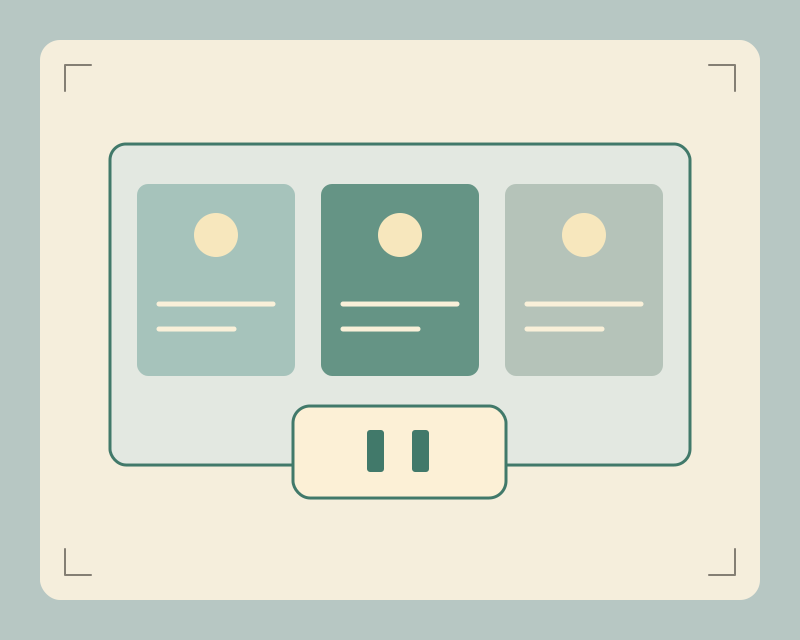
On arrival, press “Stop rotation” and wait longer than two intervals, here more than twelve seconds. The selected card should remain. The control can change its label to “Resume rotation” to describe its next action.
Leave the carousel and return
With rotation stopped, move the pointer into the page body and use an information link that does not navigate away. Return to the carousel and check its state. Pausing only on hover makes people stay there to keep reading.
Use a keyboard and a phone
Tab to the control and activate it with the keyboard. Check that focus remains when its label changes and that every link is usable. On a phone, test the same touch control. W3C's recommendation to pause on focus or hover complements an explicit control.
Save a behavior check
Record the page, screen width, interval, card, activated control and result after leaving the area. WCAG 2.2.2 covers controls for information that moves or updates automatically alongside other content. Review the whole component before approving the campaign.
Follow the evidence.
Sources checked November 19, 2026. The exercise scenarios and figures are fictional. Our editorial standards.