Test a first mobile visit, keep reading accessible and check focus behavior when signup opens a dialog.
Start with the task that brings the reader
Choose a URL and an initial action. In the fictional example, someone wants to find pickup hours in a guide. Note what appears on arrival, when the invitation appears and where the answer paragraph sits.
Try a visit with empty session storage and a return visit. Keep the viewport and observed timing. Appearance frequency can depend on a stored preference.
Compare three ways to present the invitation
| Layout | Reader sees | Useful check |
|---|---|---|
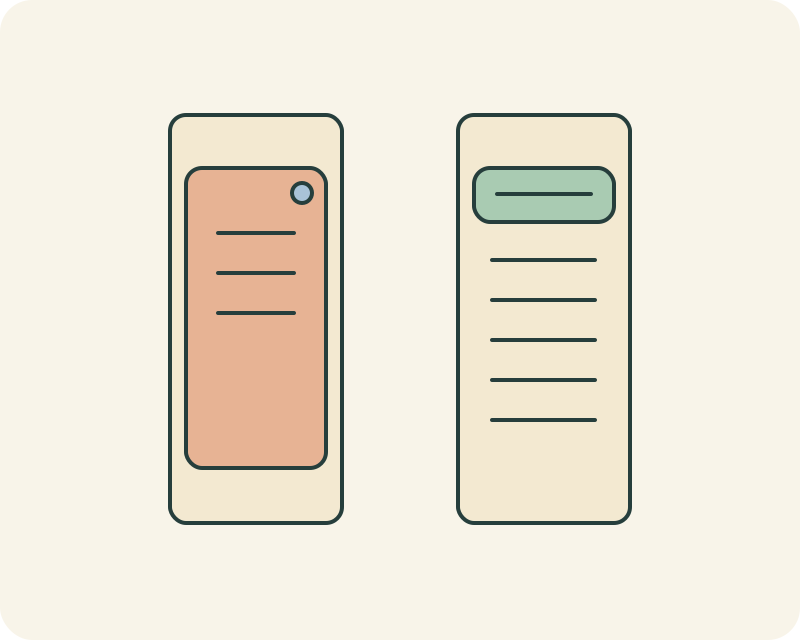
| Full overlay | Signup covers the guide | Check reading and dismissal |
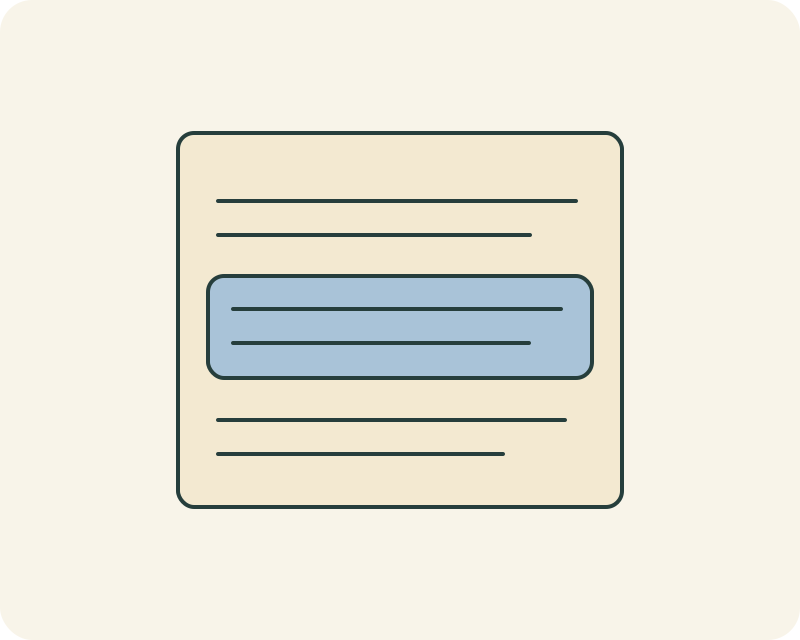
| Small banner | Signup and text share the screen | Check space and dismissal on scroll |
| Inline block | Form appears between paragraphs | Check that reading order stays clear |
Google recommends avoiding intrusive interstitials and suggests banners that use a small part of the screen. Practical size depends on content, device and behavior on scroll.
Follow the page on a narrow screen
Use a width representative of a phone and increase text size. Scroll to the target paragraph. Check whether the invitation covers the title, a link or the dismissal control.
Try keyboard navigation too. If a dialog moves focus inside, follow focus through dismissal and observe where it resumes.
Define dialog behavior
The W3C modal dialog pattern includes focus inside the open dialog, Escape to close and normally returning focus to the invoking control. Use it when the design requires a modal.
For this optional subscription, compare whether an inline block can serve the same purpose with fewer steps. Keep a clear form label in both designs.
Check what the original URL delivers
Open the guide address directly. Review response status and the accessible content. If signup changes the address or replaces the view, record when that happens.
Repeat the published journey and keep arrival and reading screenshots. A successful response can still deliver a difficult layout.
Keep a record for the next review
Save URL, date, device, session state, viewport, dismissal control and reading outcome. If choosing the small banner in the exercise, confirm that larger text still leaves information visible. Treat observed search changes as a separate measurement.
Follow the evidence.
Sources checked November 7, 2026. Illustrative scenarios and numbers are fictional. Original exercises and records, without attributed customer results or field observations. Our editorial standards.