Comprueba que la persona pueda detener la rotación y seguir usando el resto de la página. Guarda el estado observado y cómo se reanuda.
Define la información que debe poder leerse
Para cada taller conserva nombre, fecha, lugar, requisitos y enlace. Mantén esa información disponible cuando la tarjeta quede detenida. Si un dato esencial aparece solo durante una transición, prepara una forma estable de consultarlo.
Ensaya el control de detener
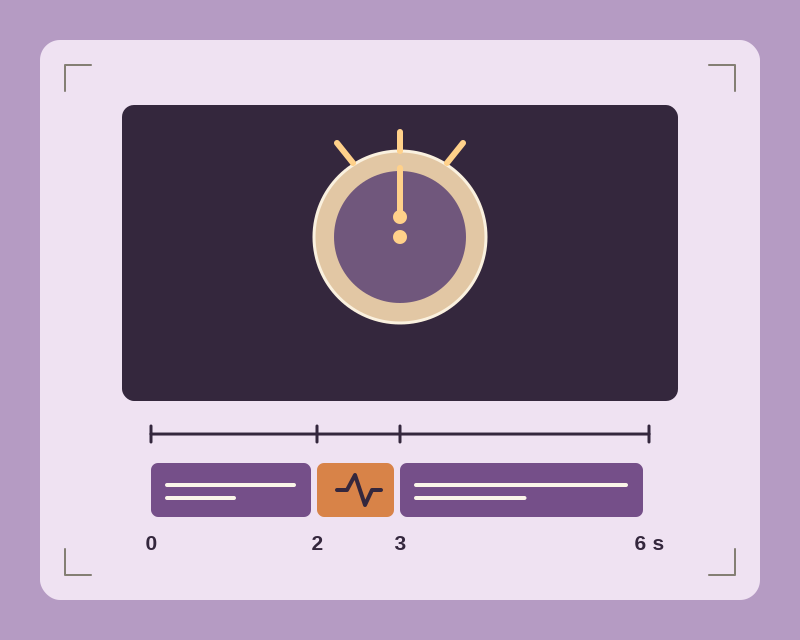
Al llegar a la página, pulsa «Detener rotación» y espera más de dos intervalos, en este caso más de doce segundos. La tarjeta elegida debe permanecer. El control puede pasar a llamarse «Reanudar rotación» para describir la acción que ahora ofrece.
Sal del carrusel y vuelve
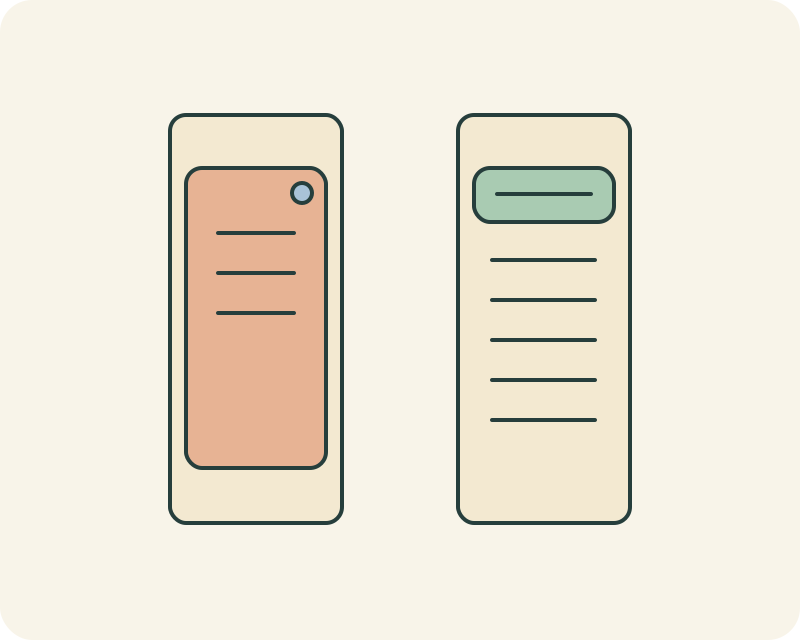
Con la rotación detenida, desplaza el puntero al cuerpo de la página y usa un enlace de información que no navegue a otra página. Vuelve al carrusel y comprueba su estado. Pausar solo mientras el puntero está encima obliga a permanecer allí para conservar la lectura.
Recorre con teclado y en móvil
Usa Tab para llegar al control y actívalo con teclado. Comprueba que el foco se conserve al cambiar su etiqueta y que cada enlace se pueda usar. En un teléfono, prueba el mismo control táctil. La recomendación de W3C de pausar al recibir foco o al pasar el puntero complementa el control explícito.
Guarda una prueba del comportamiento
Registra página, ancho de pantalla, intervalo, tarjeta, control activado y resultado después de salir de la zona. WCAG 2.2.2 contempla controles para información que se mueve o actualiza automáticamente en paralelo con otro contenido. Revisa el componente completo antes de aprobar la campaña.
A campaign carousel that stays still when someone wants to read
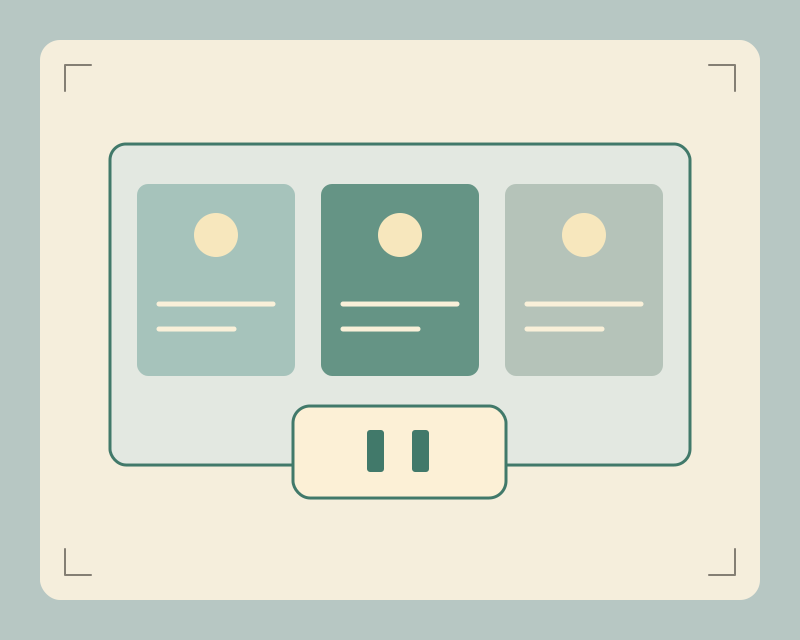
A fictional campaign displays three workshops at the top of a page. The card changes every six seconds. Someone tries to read the first workshop's requirements and the content advances just as they reach the booking link. A visible pause would let them finish at their own pace.
Check that people can stop rotation and keep using the rest of the page. Save the observed state and how rotation resumes.
Define what people need to read
Keep each workshop's name, date, location, requirements and link. Leave that information available when a card is stopped. If essential information appears only during a transition, provide a stable way to consult it.
Test the stop control
On arrival, press “Stop rotation” and wait longer than two intervals, here more than twelve seconds. The selected card should remain. The control can change its label to “Resume rotation” to describe its next action.
Leave the carousel and return
With rotation stopped, move the pointer into the page body and use an information link that does not navigate away. Return to the carousel and check its state. Pausing only on hover makes people stay there to keep reading.
Use a keyboard and a phone
Tab to the control and activate it with the keyboard. Check that focus remains when its label changes and that every link is usable. On a phone, test the same touch control. W3C's recommendation to pause on focus or hover complements an explicit control.
Save a behavior check
Record the page, screen width, interval, card, activated control and result after leaving the area. WCAG 2.2.2 covers controls for information that moves or updates automatically alongside other content. Review the whole component before approving the campaign.
让活动轮播在读者想阅读时保持静止
一项虚构活动在页面顶部轮播三个工作坊,每六秒换一张卡。读者看第一个的要求,刚到预约链接,卡片就切换了。可见的暂停控件能让读者按自己的速度读完。
确认读者可以停止轮播,同时继续使用页面其余部分。记录观察到的状态以及怎样恢复播放。
明确哪些信息需要读完
每个工作坊保留名称、日期、地点、要求和链接,停止后也能查看。如果重要信息只在过渡时出现,为它准备稳定的查阅方式。
测试停止控件
进入页面后按“停止轮播”,等待超过两个切换间隔,本例为十二秒以上。选中的卡片应保持不变。控件可以改名为“恢复轮播”,描述下一次操作。
离开轮播再返回
停止后把鼠标移到正文,使用不会离开当前页的信息链接,再返回检查状态。如果只在鼠标悬停时暂停,读者必须一直留在那里才能继续读。
用键盘和手机检查
用 Tab 到达控件并用键盘激活,确认标签改变时焦点仍在,各链接也能使用。在手机上测试同一个触控入口。W3C 建议获得焦点或鼠标悬停时暂停,这能补充明确的停止控件。
保存行为测试
记录页面、屏幕宽度、间隔、卡片、所按控件,以及离开该区域后的结果。WCAG 2.2.2 涵盖与其他内容并行、自动移动或更新的信息控制。批准活动前检查完整组件。
Fuentes y método
Fuentes consultadas el 19 de noviembre de 2026. Los casos y datos numéricos de los ejercicios son ficticios. Editorial standards · Disclosures.