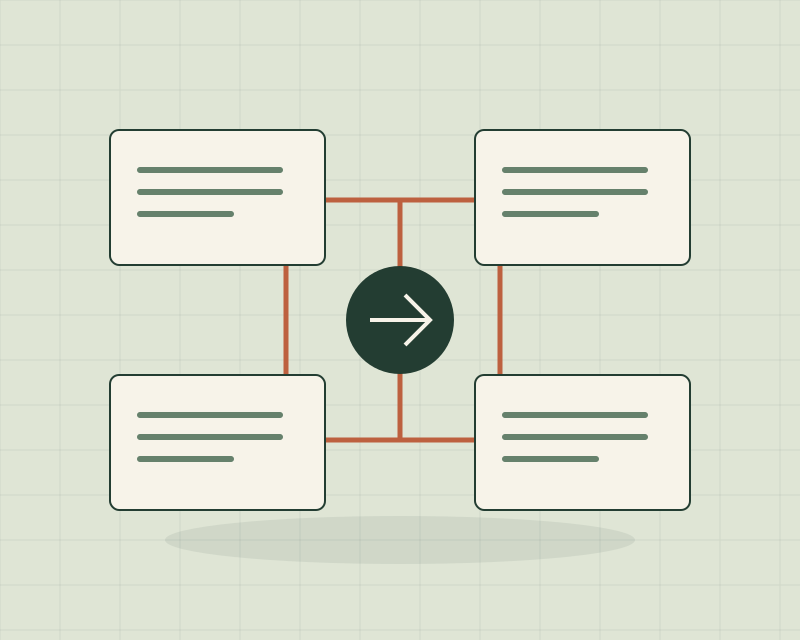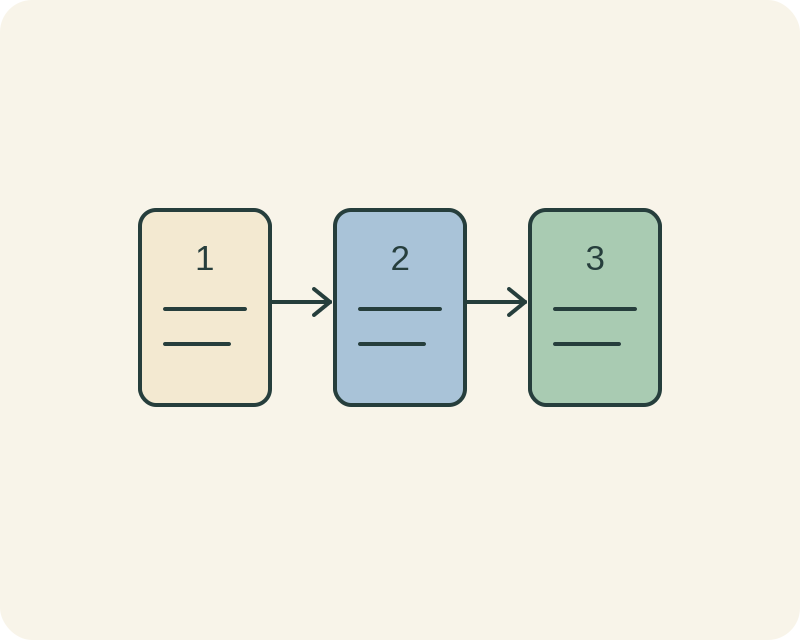
Elige una tarjeta, localiza su elemento navegable y conserva su href junto con la URL resuelta. Después comprueba el destino publicado.
Busca la dirección en el elemento
Google documenta que, por lo general, puede rastrear enlaces escritos con el elemento a y un atributo href. Un botón con una acción de JavaScript o un a sin href puede permitir navegar a una persona, pero no ofrece esa misma estructura para extraer la URL. Inspecciona el enlace concreto; el aspecto visual de tarjeta no lo determina.
Compara dos versiones del ejemplo
La versión A usa <button onclick="abrirGuia()"> y guarda la dirección dentro de una función. La B usa <a href="https://example.org/guias/materiales/">Materiales para empezar</a>. En B, el destino está en el atributo del enlace. Puede conservar una mejora con JavaScript sin quitar ese href. Elige una etiqueta que describa la página que se abrirá.
Mira también el resultado de JavaScript
La ausencia del enlace en el HTML recibido no basta para descartar uno insertado después: Google admite enlaces añadidos con JavaScript si conservan el marcado adecuado. Compara el código recibido y el DOM tras cargar. En las herramientas del navegador, usa Inspeccionar sobre el texto y revisa el elemento a más cercano y su href; anota si aparece solo después de una interacción.
Comprueba la dirección resuelta
Un href relativo como /guias/materiales/ necesita una base para formar la URL completa. Copia la dirección del enlace, ábrela en otra pestaña y confirma host, ruta, redirecciones y contenido final. Si hay un elemento base en el documento, comprueba también su efecto. Un href presente puede seguir enviando a una página equivocada o inexistente.
Guarda una comprobación acotada
Registra origen, texto, marcado observado, href, dirección resuelta y fecha. Prueba además la navegación con teclado. Esta revisión confirma cómo se expone un destino y si abre lo esperado; la indexación exige otras comprobaciones. Si la tarjeta solo tiene un manejador de eventos, la corrección propuesta es conservar un enlace real para navegar a la página.
A card opens when clicked: check whether it also exposes a crawlable link
In a fictional catalog, a guide card opens another page when clicked. Its tester concludes that the link works. To review how Google can discover it, the tester still needs to inspect the element containing the destination address.
Choose a card, find its navigation element and record its href alongside the resolved URL. Then check the published destination.
Find the address in the element
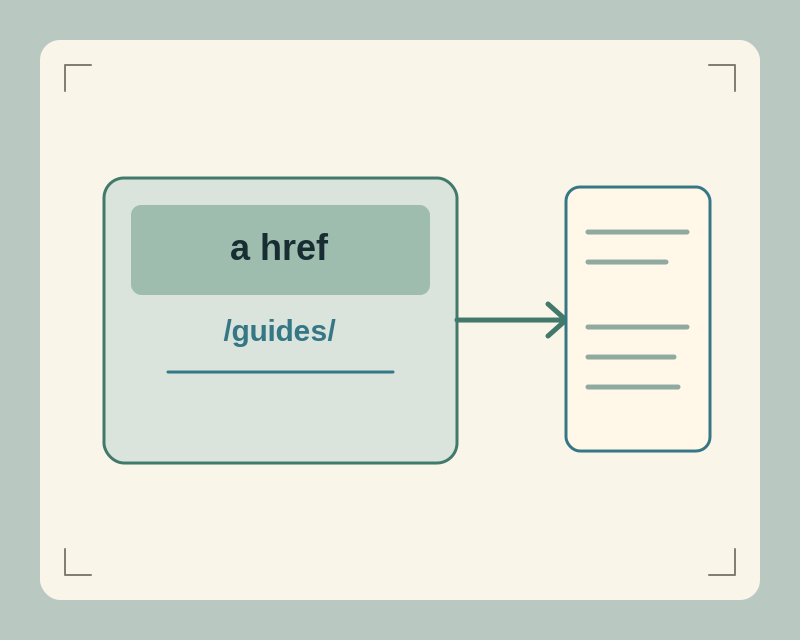
Google documents that it can generally crawl links written with an a element and an href attribute. A button with a JavaScript action or an a without href may let a person navigate, but does not offer that same structure for URL extraction. Inspect the specific link; its visual card styling does not determine the result.
Compare two versions of the example
Version A uses <button onclick="openGuide()"> and stores the address in a function. Version B uses <a href="https://example.org/guides/materials/">Materials to get started</a>. In B, the destination is in the link attribute. It can keep a JavaScript enhancement without removing that href. Choose a label describing the page that will open.
Inspect the JavaScript result too
An absent link in the received HTML does not rule out one inserted later: Google supports JavaScript-added links when they retain appropriate markup. Compare the received source and the DOM after loading. In browser tools, inspect the text and review its closest a element and href; note whether it appears only after an interaction.
Check the resolved address
A relative href such as /guides/materials/ needs a base to form the complete URL. Copy the link address, open it in another tab and confirm the host, path, redirects and final content. If the document contains a base element, check its effect too. A present href can still lead to the wrong or a missing page.
Keep a bounded check
Record the source, text, observed markup, href, resolved address and date. Also test keyboard navigation. This review checks how a destination is exposed and whether it opens the intended content; indexing requires other checks. If the card has only an event handler, the proposed correction is to preserve a real link for page navigation.
卡片点击能打开页面,还要核对它是否提供可抓取链接
在虚构目录中,点击指南卡片会打开另一页。测试者据此认为链接正常。要检查 Google 如何发现目标页,还需查看哪个元素包含目标地址。
选一张卡片,找到负责导航的元素,把 href 与解析后的完整网址一起记录,再检查已发布的目标页。
在元素中寻找地址
Google 文档说明,通常能抓取采用 a 元素并带 href 属性的链接。执行 JavaScript 的按钮或没有 href 的 a 元素,可能让人跳转,却没有提供同样的 URL 提取结构。应检查具体链接,卡片的视觉样式不能决定结果。
比较示例的两个版本
A 版使用 <button onclick="openGuide()">,把地址放在函数中。B 版使用 <a href="https://example.org/guides/materials/">入门材料</a>。B 版将目标放在链接属性里,也可保留 JavaScript 增强功能而不移除 href。标签应描述将要打开的页面。
同时查看 JavaScript 运行结果
收到的 HTML 没有链接,不能直接排除稍后插入的链接。Google 支持用 JavaScript 添加、且保留适当标记的链接。比较收到的源代码与加载后的 DOM。在浏览器工具里检查文字,查看最近的 a 元素及其 href,并记录它是否只在交互后出现。
核对解析后的网址
/guides/materials/ 这样的相对 href 需要基准地址才能形成完整 URL。复制链接地址,在另一标签页打开,核对主机名、路径、重定向和最终内容。文档存在 base 元素时,也检查它的影响。具有 href 的链接仍可能指向错误或不存在的页面。
留下一份范围明确的记录
记录来源页、文字、观察到的标记、href、解析后的地址和日期,并测试键盘导航。这能核对目标如何被提供、是否打开预期内容;索引情况还需其他检查。卡片若只有事件处理程序,可提出保留真实链接来实现页面导航的修改。
Fuentes y método
Fuentes consultadas el 20 de noviembre de 2026. Los casos y datos numéricos de los ejercicios son ficticios. Editorial standards · Disclosures.