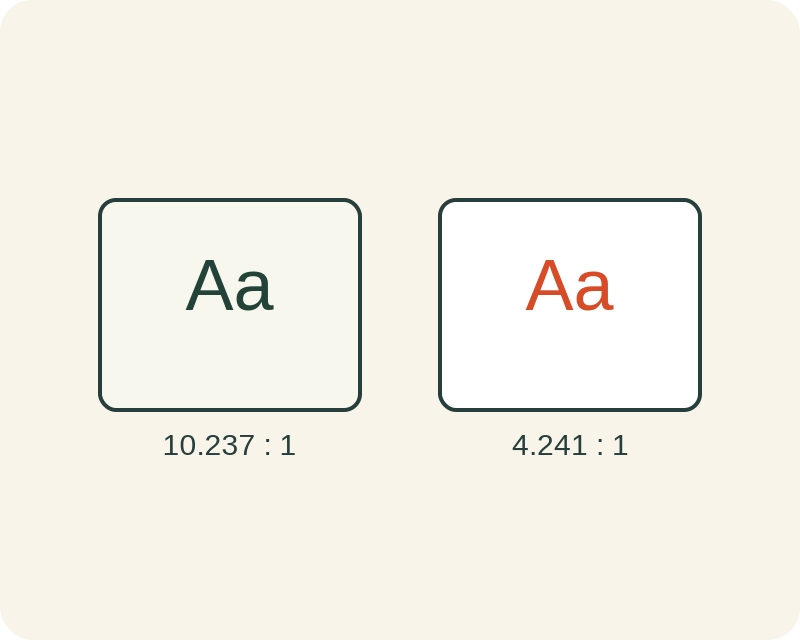
Review fill, stroke and separations before approving the file. Distinguish the white of the paper from a white ink the printer will actually apply.
Identify which white you are using
The example's process white has C=0, M=0, Y=0 and K=0. On white paper, the name is formed by leaving that area free of the background inks. A spot white ink printed on dark material needs its own specification agreed with the printer.
Check the object and its attributes
Select the correct letters or group and review overprint fill and stroke. If process white is set to overprint, the background may remain underneath and the name may disappear in separations. The attribute can be inherited when creating an object or retained after its color changes.
Compare two views of the same card
Enable overprint preview and watch the name. In a CMYK document you can inspect ink separations. For this case the team removes overprinting from the name and checks that its shape knocks out the intended area in the blue background.
Inspect the exported output
Adobe documents an option to discard white overprint during output. It can protect the PDF while the editable artwork retains the attribute, so review both. Open the final PDF with overprint simulation and ask the printer to confirm a proof for the intended material.
Keep the decision with the file
Save the version, corrected object, type of white and export setting. If someone later changes the name's color or replaces the logo, repeat the check on the file that will be sent.
Follow the evidence.
Sources checked November 18, 2026. The exercise scenarios and figures are fictional. Our editorial standards.