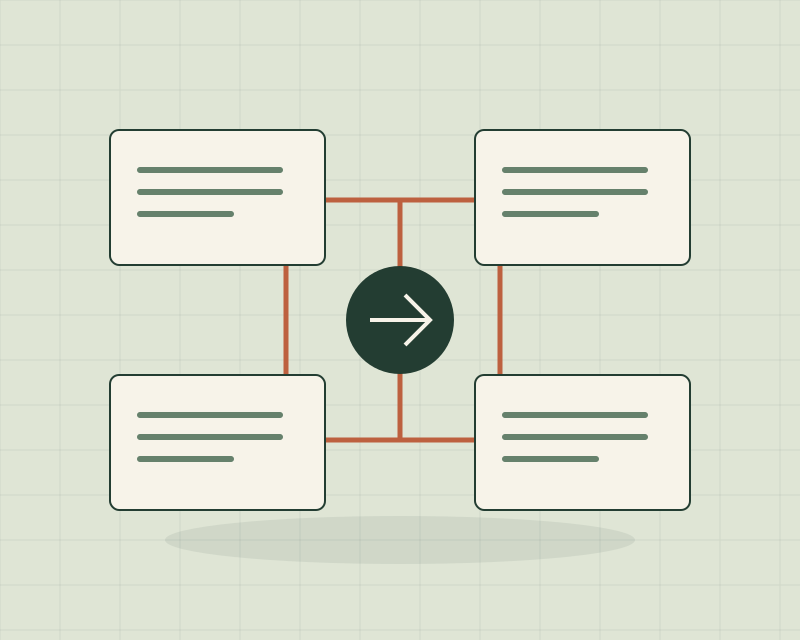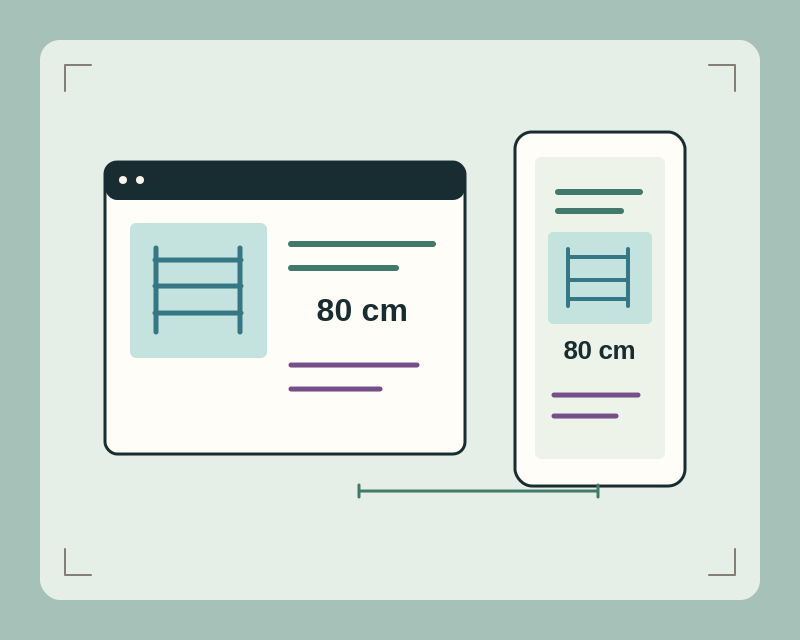
Abre cada URL editorial con distintas preferencias y sin sesión previa. La ruta elegida debe seguir siendo accesible aunque el navegador sugiera otro idioma.
Elige dos URL y un fragmento de control
Usa las direcciones completas de las dos ediciones. En el ejemplo son /es/manual/ y /en/manual/. Copia de cada una una oración del cuerpo que permita reconocer la edición. Mantén estable la conexión durante la primera prueba para no mezclar idioma con ubicación geográfica.
Cambia una señal por vez
Envía un GET a cada URL sin cookies y sin el encabezado Accept-Language. Repite con es y con en como valores del encabezado. En un navegador, usa perfiles limpios para distinguir la preferencia de idioma de una selección guardada. En la pestaña de red conserva la primera respuesta y toda la cadena de navegación.
Lee la matriz de resultados
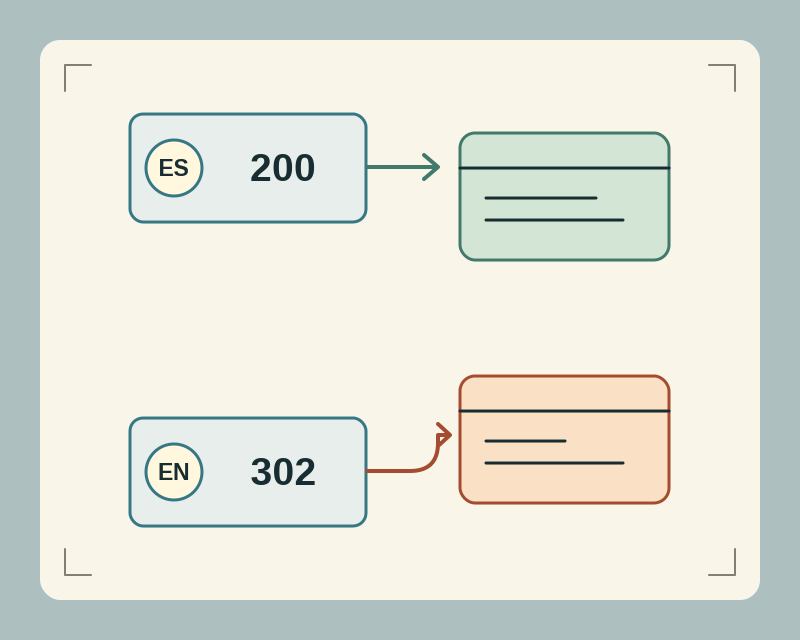
En la maqueta, /es/manual/ da 200 sin encabezado, pero con en devuelve 302 a /en/. Esa portada da 200 y la oración de control no aparece. Si una solicitud llega a 200 en la URL original, lee igualmente el cuerpo: un servidor también puede cambiar el texto sin redirigir.
Comprueba el selector de idioma
Ofrece un enlace visible de una edición a la otra. En el ejemplo, desde el manual español debe llevar a /en/manual/. Abre ambas direcciones de nuevo en sesiones separadas y comprueba que la preferencia no fuerza el salto. Google recomienda URL propias para cada edición y advierte que su rastreador envía solicitudes sin Accept-Language.
Guarda una prueba que se pueda repetir
Registra fecha, URL solicitada, encabezado o perfil, primer estado, destino final y oración encontrada. Repite después de modificar la regla de idioma o la CDN. Reserva la inspección de indexación para una comprobación aparte.
How to tell if browser language redirects a direct link
A fictional publisher shares the address of a Spanish manual. A reader whose browser prefers English opens the link and lands on the English homepage. Someone who switches languages deliberately wants the corresponding edition of the manual. The test should distinguish what the reader requested from what the site inferred.
Open each edition URL with several preferences and no prior session. The chosen route should stay accessible even when the browser suggests another language.
Pick two URLs and a text marker
Use the full addresses of both editions. In this example the paths are /es/manual/ and /en/manual/. Copy one sentence from each edition's body that identifies it. Keep your network connection stable for the first test so language and location do not change together.
Change one signal at a time
Send a GET to each URL without cookies or an Accept-Language header. Repeat with es and en as the header values. In a browser, use clean profiles to distinguish a language preference from a saved choice. Keep the first response and the entire navigation chain in the network panel.
Read the results matrix
In the mock site, /es/manual/ returns 200 without the header and returns 302 to /en/ with en. That homepage returns 200, but the marker sentence is missing. If a request returns 200 at the original URL, read the body anyway: a server can also swap the text without redirecting.
Check the language switcher
Provide a visible link from each edition to the other. From the Spanish manual in the example it should lead to /en/manual/. Open both addresses again in separate sessions and check whether the preference forces a jump. Google recommends dedicated URLs for each edition and says that its crawler sends requests without Accept-Language.
Save a repeatable check
Record the date, requested URL, header or profile, first status, final destination and sentence found. Repeat after changing the language rule or CDN. Check indexing separately.
怎样判断浏览器语言是否让直达链接跳转
一家虚构的出版社分享西班牙语手册的地址。一位浏览器偏好英语的读者打开链接,却到了英文首页。读者主动切换语言时,需要的是同一手册的对应版本。测试时要区分读者请求的地址和网站推断的语言。
用不同语言偏好在没有历史会话的情况下打开每个版本的 URL。即使浏览器偏好另一种语言,用户所选的路径也应保持可访问。
选两个地址和正文标记
使用两个版本的完整地址。本例的路径为 /es/manual/ 和 /en/manual/。各复制一句能识别版本的正文。第一轮保持网络连接不变,避免语言和地理位置同时变化。
每次只改变一个信号
向每个 URL 发出 GET 请求,先不带 Cookie 和 Accept-Language 标头,再分别把标头值设为 es 和 en 重新测试。在浏览器中用干净的配置文件,把语言偏好与已保存的语言选择分开。在网络面板保留首次响应和完整跳转链。
阅读结果矩阵
在示例站点中,不带语言标头访问 /es/manual/ 得到 200,带 en 则得到指向 /en/ 的 302。英文首页虽然返回 200,却没有那句正文标记。即使原地址直接返回 200,也要读正文,因为服务器可以在不跳转的情况下替换文字。
检查语言切换入口
给每个版本提供指向另一版本的可见链接。本例中,西班牙语手册应链接到 /en/manual/。在独立会话中再次打开两个地址,确认语言偏好不会强制跳转。Google 建议为各语言版本使用独立 URL,并说明其抓取程序发送请求时不设置 Accept-Language。
留下可重复的检查记录
记录日期、请求 URL、标头或浏览器配置、首次状态、最终目标和找到的句子。改动语言规则或 CDN 后重做这项检查。索引状态另行核查。
Fuentes y método
- Google Search Central · How Google crawls locale-adaptive pages ↗
- Google Search Central · Managing multi-regional and multilingual sites ↗
Fuentes consultadas el 15 de noviembre de 2026. Los casos y datos numéricos de los ejercicios son ficticios. Editorial standards · Disclosures.