Define one action and distribute the message across shots, text and audio. Rehearse the sequence at its actual duration before organizing the shoot.
Start with the final action
A fictional planter workshop wants people to check available sizes. The video will end by inviting them to view its size guide. Write the action and the question it answers. If the guide is still in preparation, mark the destination as pending in the storyboard.
Google Ads presents direction as a principle in its video creative guide. In this exercise, direction becomes an action you can check on the landing page.
Choose a visible situation
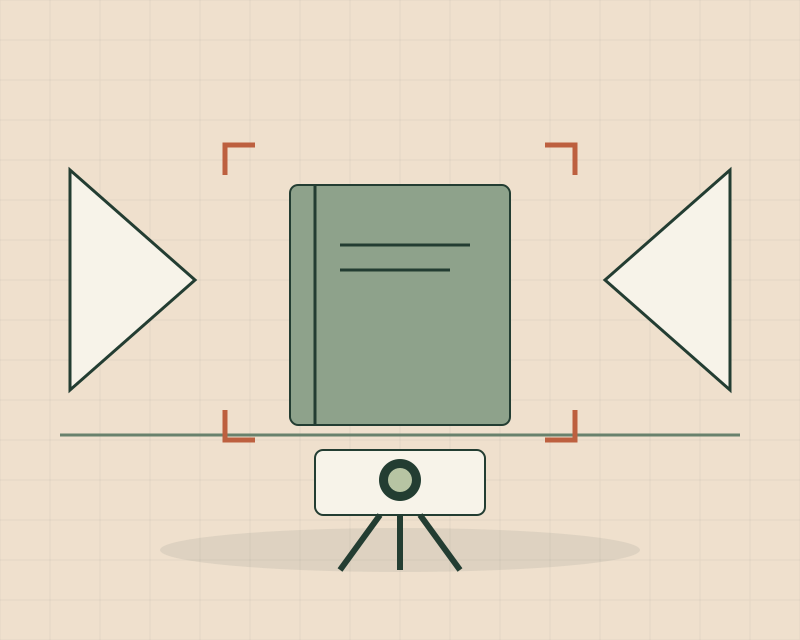
The opening shot shows a hand measuring a space on a shelf. Two planters that might fit appear next. The problem and product enter the same sequence. Draw simple frames showing the main object and planned movement.
Record which brand signal appears where it is needed. It could be a label on the planter or a short line with the name. Check whether it is recognizable at the final screen size.
Spread the action across fifteen seconds
This is an original sequence for a fictional ad. The timings support rehearsal and can change after testing the edit.
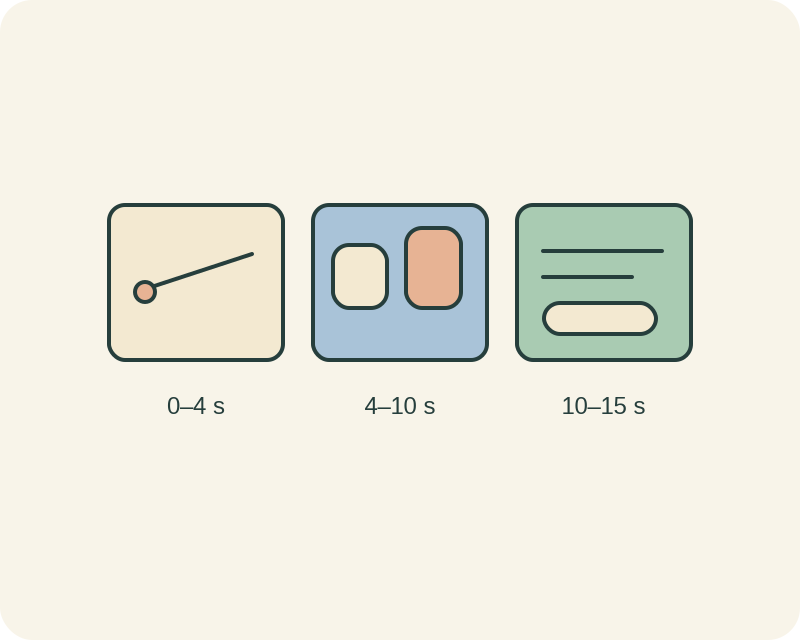
| Time | Image | Text or voice |
|---|---|---|
| 0–4 s | Hand holding a measuring tape on the shelf | How much room do you have? |
| 4–10 s | Two planters beside a ruler and workshop label | Compare the width of each size |
| 10–15 s | Workshop name and view of the guide | View the size guide |
Each scene supplies information for the next. If the product needs another measurement for the decision, add that requirement to the storyboard before filming.
Check how image and audio work together
Read the lines aloud at rehearsal speed. Then watch without audio and look for instructions available only in the voice. Adjust wording, framing and duration so the main elements work together.
Google’s Demand Gen guidance recommends coordinating calls to action across voice and graphics. Adapt the idea to the piece. The reading exercise helps show whether repetition clarifies the step or crowds the frame.
Make an edit with test frames
Use simple photographs or your drawings to simulate the cuts. Open the edit on a phone and ask someone what they see and what they would do when it ends. Listen before explaining your intention.
Record when they found the measurement, name or action. If a line passes too quickly, shorten it or give it more time and repeat the exercise.
Take the storyboard and its decisions to the shoot
Deliver frames, times, approved wording, planned audio and the checked destination. Mark which shot must show the measurement and who will verify readability. The related shot list organizes individual images. A storyboard orders transitions and checks how the message builds over the ad.
Follow the evidence.
Sources checked November 4, 2026. Illustrative scenarios and numbers are fictional. Original exercises and records, without attributed customer results or field observations. Our editorial standards.