Comprueba la equivalencia editorial antes de relacionar las dos direcciones. Declara la preferencia en la respuesta del PDF y verifica lo que reciben los visitantes desde fuera del sitio.
Decide si comparten la misma función
Compara el texto principal, los requisitos, las fechas y el idioma. Si el PDF de condiciones incluye un formulario que la página no ofrece, registra esa función antes de tratarlo como duplicado. Un cuaderno de ejercicios que acompaña una guía merece su propia evaluación, aunque comparta nombre y portada.
Escribe el destino que quieres conservar
Elige la URL final de la página HTML. Confirma que muestra el documento completo, se puede rastrear y es apta para indexarse. Si la página usa un canonical en su etiqueta head, revisa que apunte a su propia URL final. Usa esa misma dirección en enlaces principales y en el sitemap.
Añade la señal al archivo
Para este ejemplo, la respuesta HTTP del folleto incluye el encabezado Link: <https://example.org/condiciones/>; rel="canonical". Configúralo donde se sirve el PDF público: puede ser el servidor de archivos o la CDN. Poner una etiqueta dentro del documento diseñado no crea ese encabezado.
Prueba la descarga real
Abre la dirección del botón de descarga con una petición GET y examina los encabezados en la pestaña de red del navegador. Si hay una redirección, revisa la respuesta final que contiene el PDF, comprueba que sigue llegando el archivo correcto y copia el destino canonical para abrirlo por separado. Verifica que no haya otro valor contradictorio.
Conserva el par para la próxima revisión
Anota las dos URL finales, la fecha o versión del contenido y el encabezado observado. Repite la comprobación si migras los archivos o revisas solo un formato. El encabezado expresa una preferencia para la búsqueda web de Google; su presencia no demuestra qué URL eligió Google ni que alguna esté indexada.
A PDF and a web page with the same content: how to signal a preference
An association publishes its terms of use as a web page and as a downloadable PDF booklet. Both carry the same current information. It wants Google to find the web page as the preferred version for web search while keeping the booklet available to readers who need to print it.
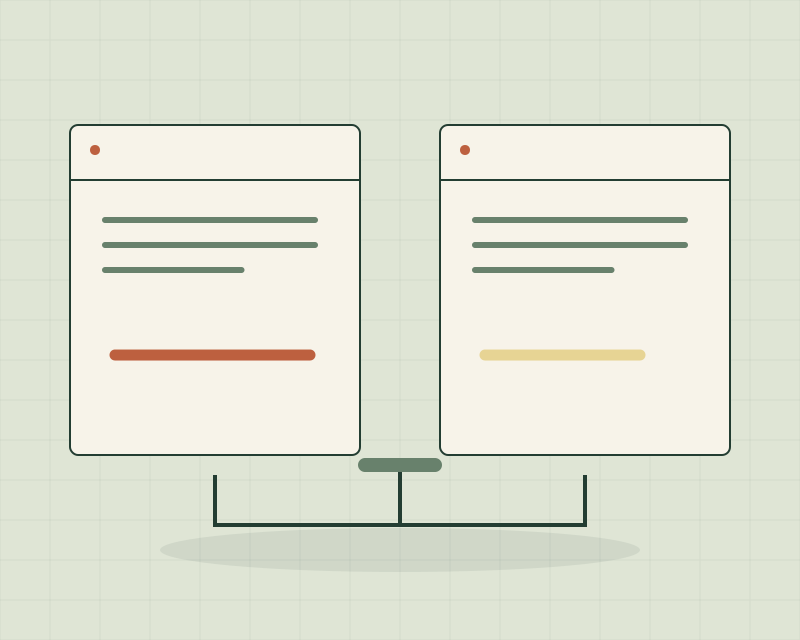
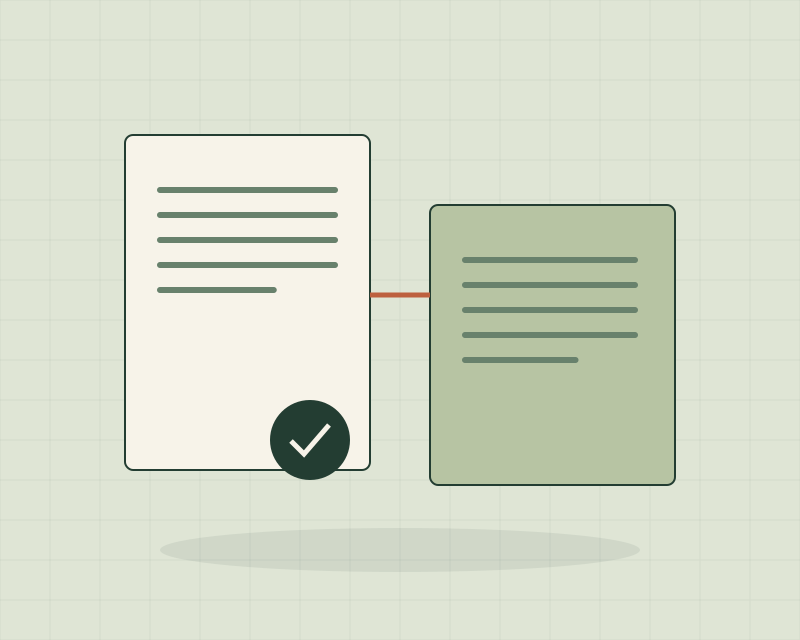
Check editorial equivalence before linking the two addresses. Declare the preference in the PDF response and verify what visitors receive from outside the site.
Decide whether both serve the same purpose
Compare the main text, requirements, dates and language. If the terms PDF includes a form that the page does not offer, account for that function before treating it as a duplicate. A workbook that accompanies a guide deserves its own review even if both share a name and cover.
Write down the destination you want to keep
Choose the final URL of the HTML page. Confirm that it shows the complete document, can be crawled and is eligible for indexing. If the page uses a canonical element in its head, check that it points to its own final URL. Use the same address in the main links and sitemap.
Add the signal to the file
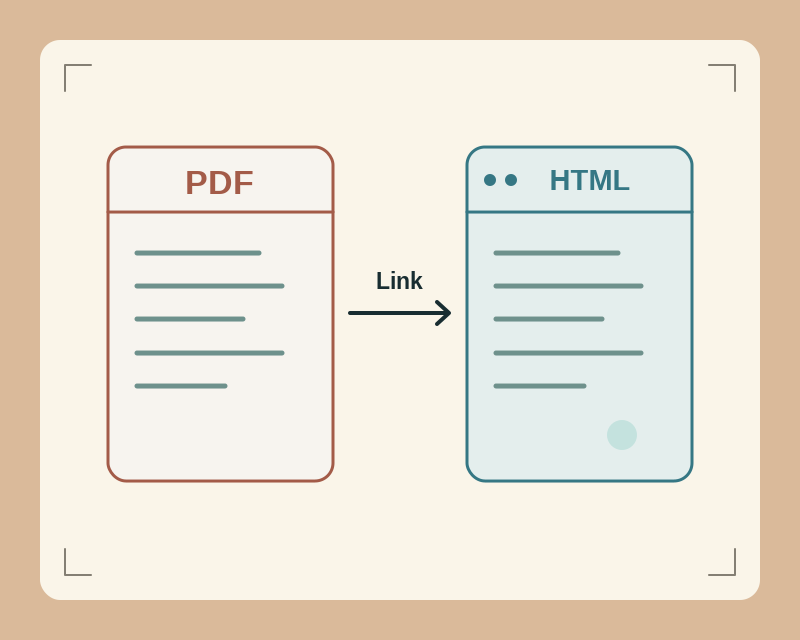
In this example, the booklet's HTTP response includes the header Link: <https://example.org/condiciones/>; rel="canonical". Configure it where the public PDF is served, such as the file server or CDN. Adding a tag to the designed document does not create that header.
Test the actual download
Open the download button's address with a GET request and examine the response headers in your browser's network panel. If it redirects, inspect the final response containing the PDF, confirm it still delivers the right file and copy the canonical destination to open it separately. Check for conflicting values.
Keep a record of the pair
Record the two final URLs, the content date or version and the header you saw. Repeat the check if you move the files or revise one format on its own. The header expresses a preference for Google web search; its presence does not prove which URL Google chose or whether either is indexed.
PDF 与网页内容相同时,怎样声明首选版本
一家协会把使用条款同时发布为网页和可下载的 PDF 手册。两者都包含相同的最新信息。协会希望 Google 网页搜索优先采用网页,同时让需要打印的人继续下载手册。
先验证两种版本在内容上的等效性,再建立关联。在 PDF 响应里声明首选地址,并在站点外部核对访客实际收到的响应。
判断两种版本的用途是否一致
比较正文、要求、日期和语言。如果 PDF 条款带有网页未提供的表单,先把这个额外用途记录下来,再判断它是否属于重复内容。配合指南使用的练习册也应单独判断,即使两者的名称和封面相同。
记下要保留的目标地址
选定 HTML 页面的最终 URL。确认页面完整展示文档、可被抓取,并具备编入索引的条件。如果页面在 head 中使用 canonical 元素,检查它是否指向自身的最终 URL。主要链接和站点地图也应使用这一地址。
为文件添加信号
在本例中,手册的 HTTP 响应包含标头 Link: <https://example.org/condiciones/>; rel="canonical"。应在实际提供公开 PDF 的文件服务器或 CDN 上配置。把标签放进排版文档本身,并不会生成该响应标头。
测试实际的下载路径
对下载按钮指向的地址发起 GET 请求,在浏览器的网络面板中检查响应标头。如果发生重定向,查看返回 PDF 的最终响应,确认文件正确,再复制 canonical 目标地址单独打开。检查有无相互冲突的值。
留存这一对地址供下次核查
记下两个最终 URL、内容日期或版本、以及实际看到的标头。迁移文件或单独修订一种格式之后,重新检查。该标头表达的是对 Google 网页搜索的偏好;它不能证明 Google 选了哪个 URL,也不能证明任一地址已被收录。
Fuentes y método
- Google Search Central · Consolidate duplicate URLs ↗
- Google Search Central · PDFs in Google Search results ↗
Fuentes consultadas el 14 de noviembre de 2026. Los casos y datos numéricos de los ejercicios son ficticios. Editorial standards · Disclosures.